

Table of Contents
Disenchanting items in Minecraft might seem strange at first, but it’s actually a very useful feature.
Whether you want to remove unwanted enchantments or recover experience, this simple mechanic can help you optimize your inventory.
Why Disenchant Items?
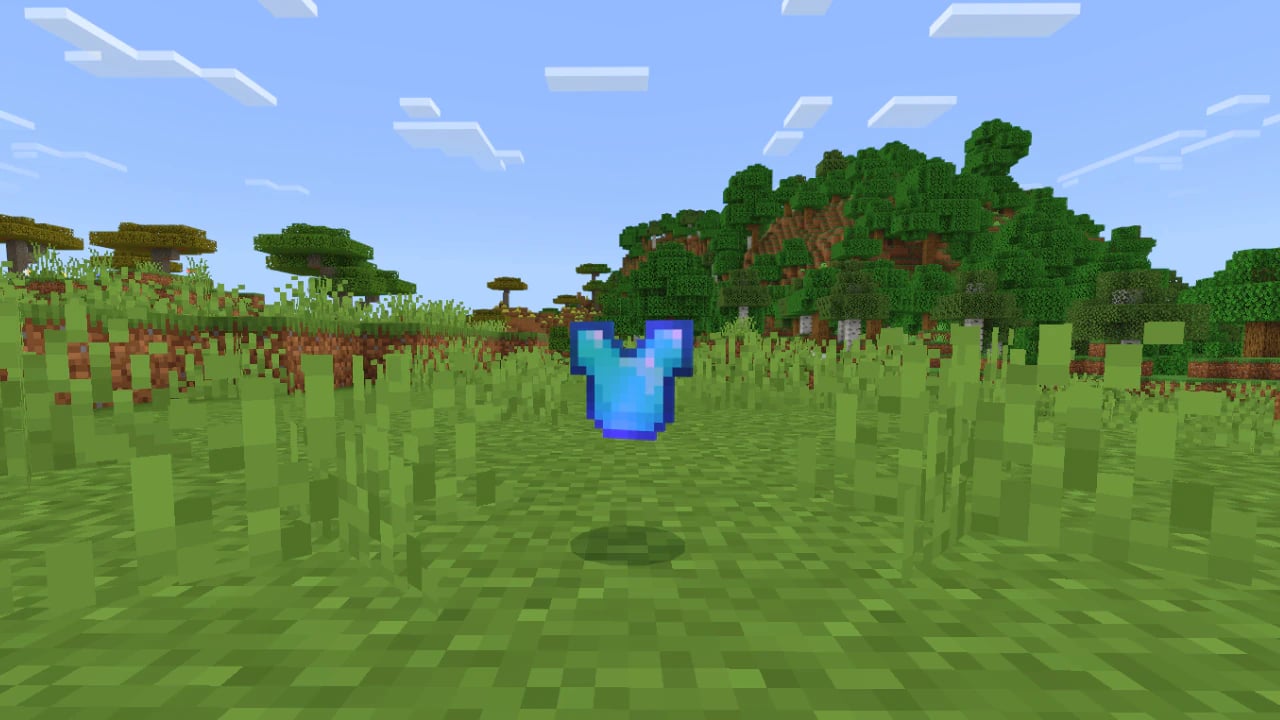
Before getting into the tutorial, here’s why you might want to remove enchantments from an item:
- Reuse enchanted items found in chests or dropped by mobs.
- Gain experience points by removing enchantments.
What You Need
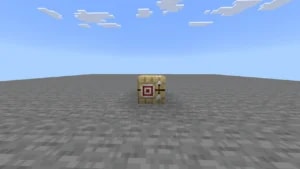
To disenchant items in Minecraft, you’ll need a grindstone.
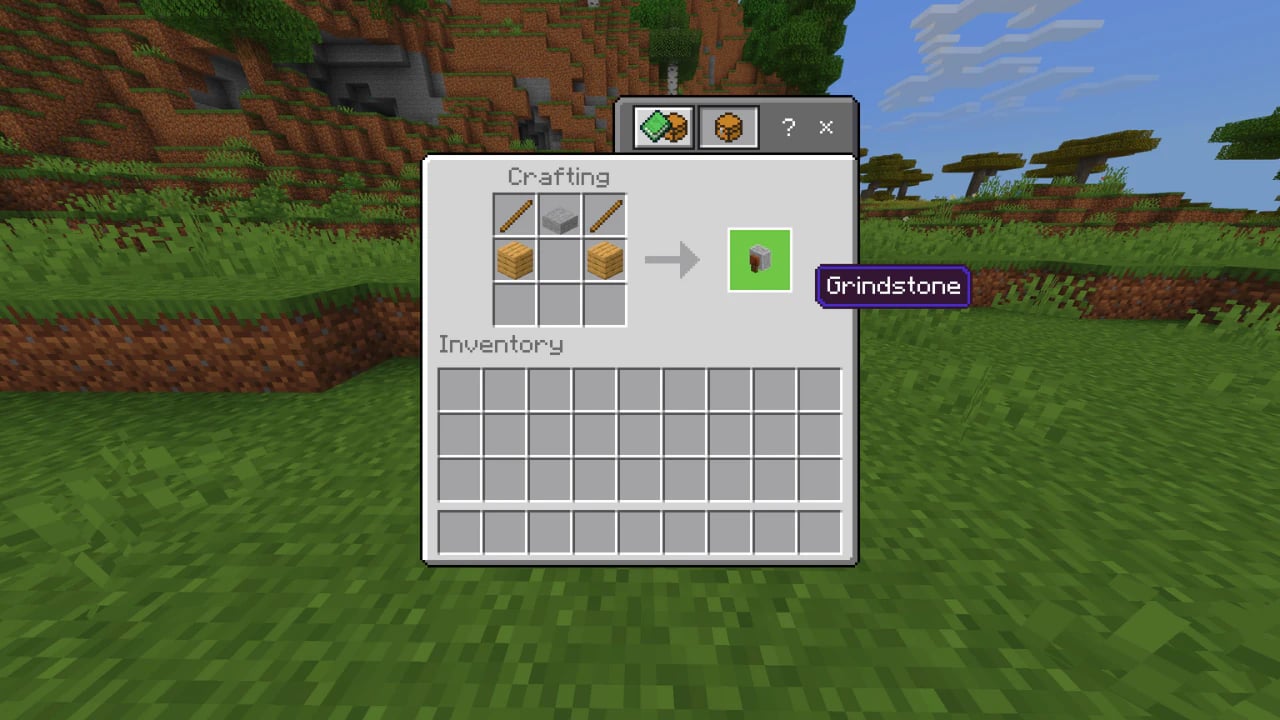
How to Make a Grindstone
Required materials:
- 2 sticks
- 1 stone slab
- 2 wooden planks (any type)
How to Disenchant an Item
Follow the steps below to remove enchantments from any item (except curses):
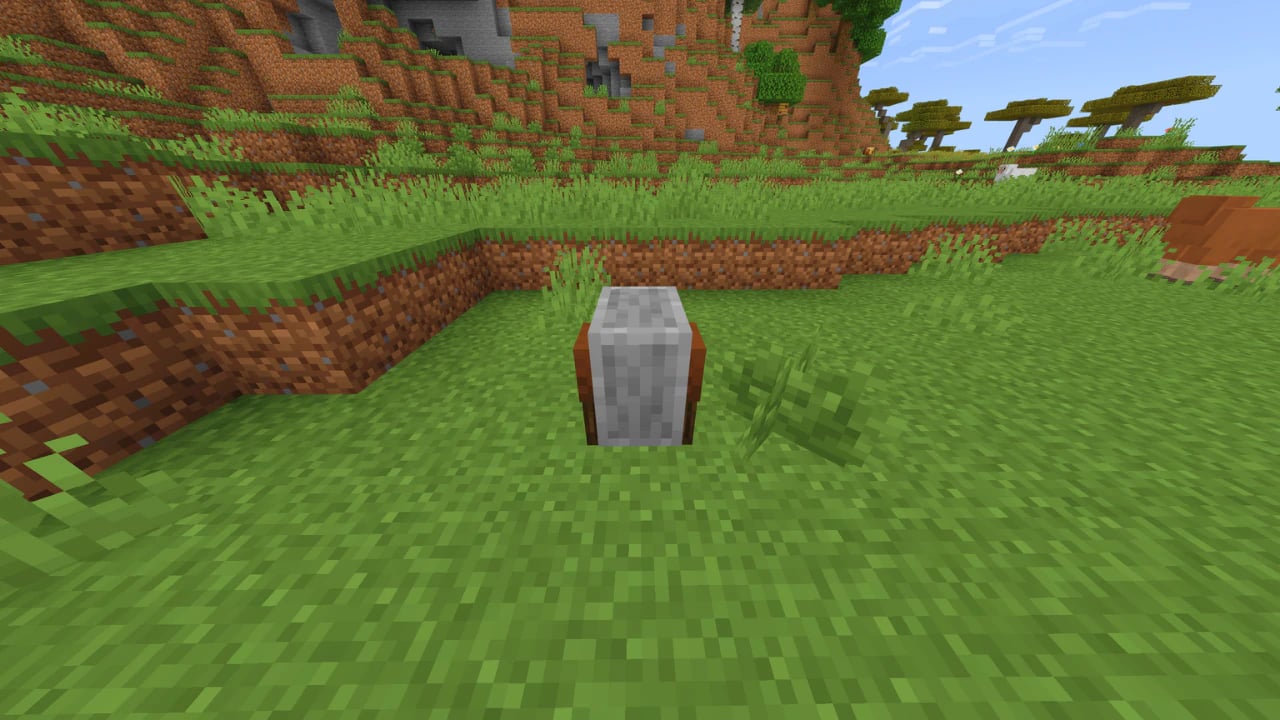
- Place the grindstone on the ground
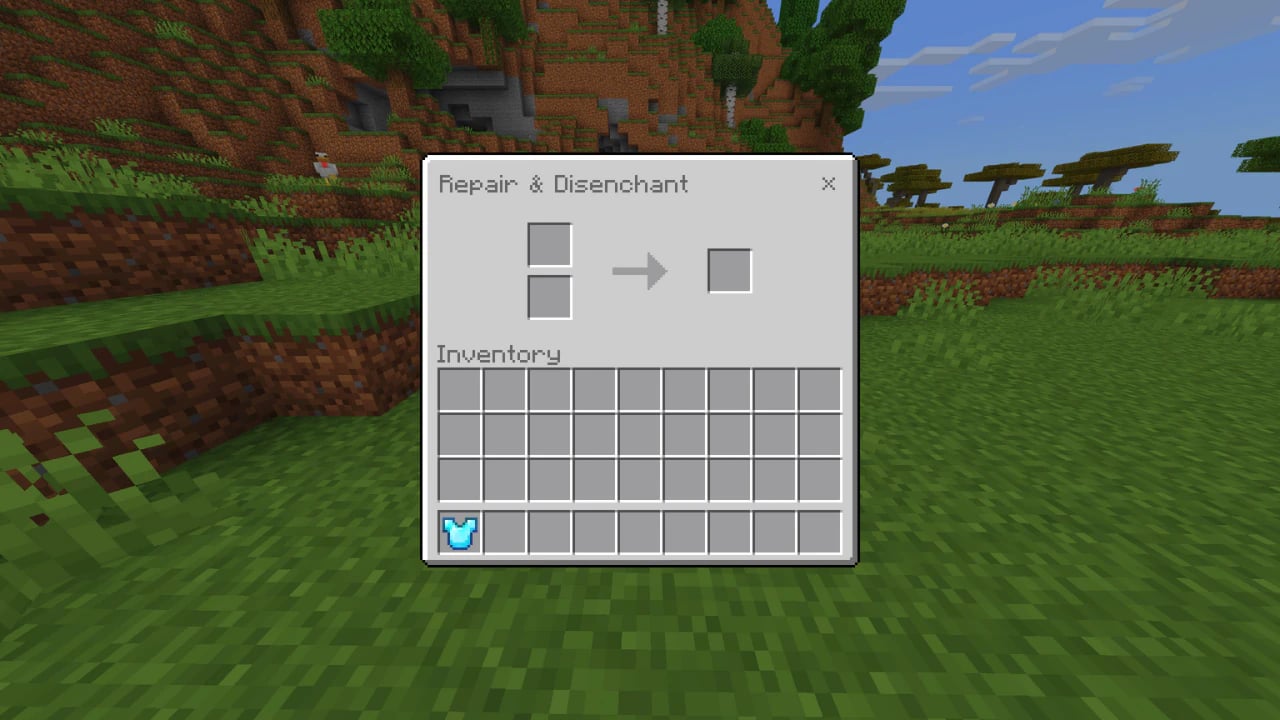
- Open the grindstone interface
- Insert the enchanted item in the left slot
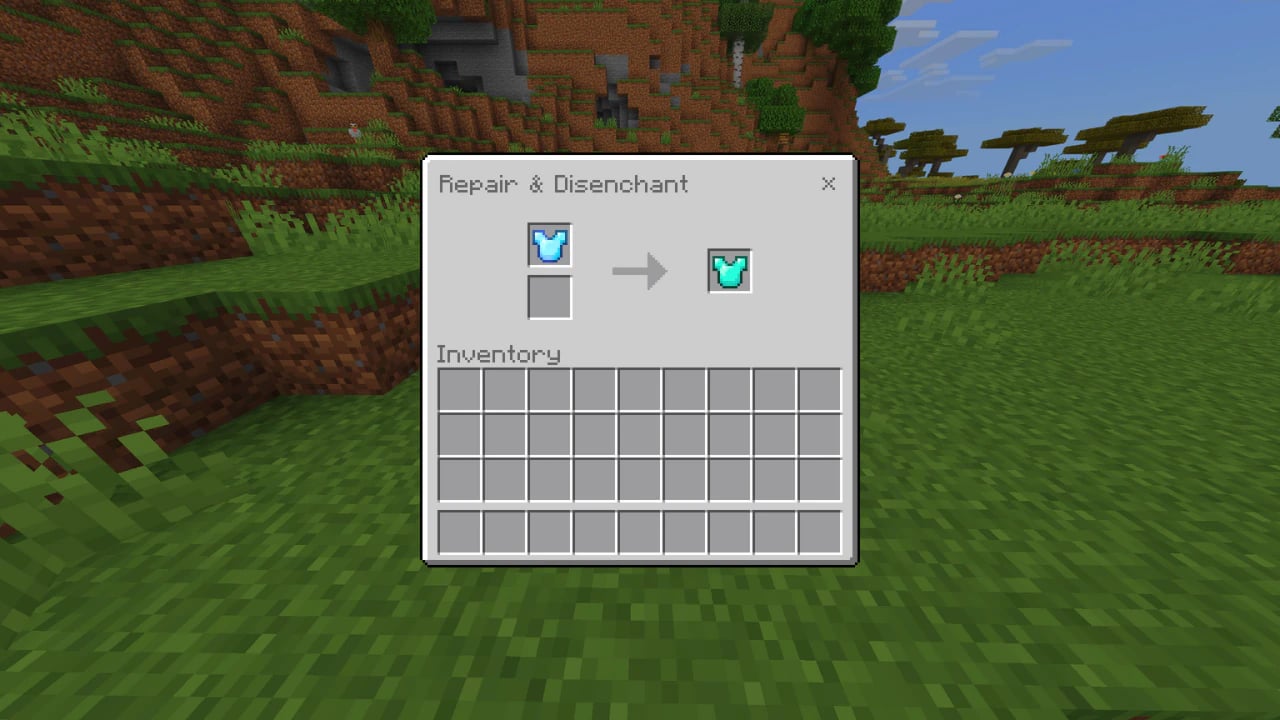
- Take the item from the right slot
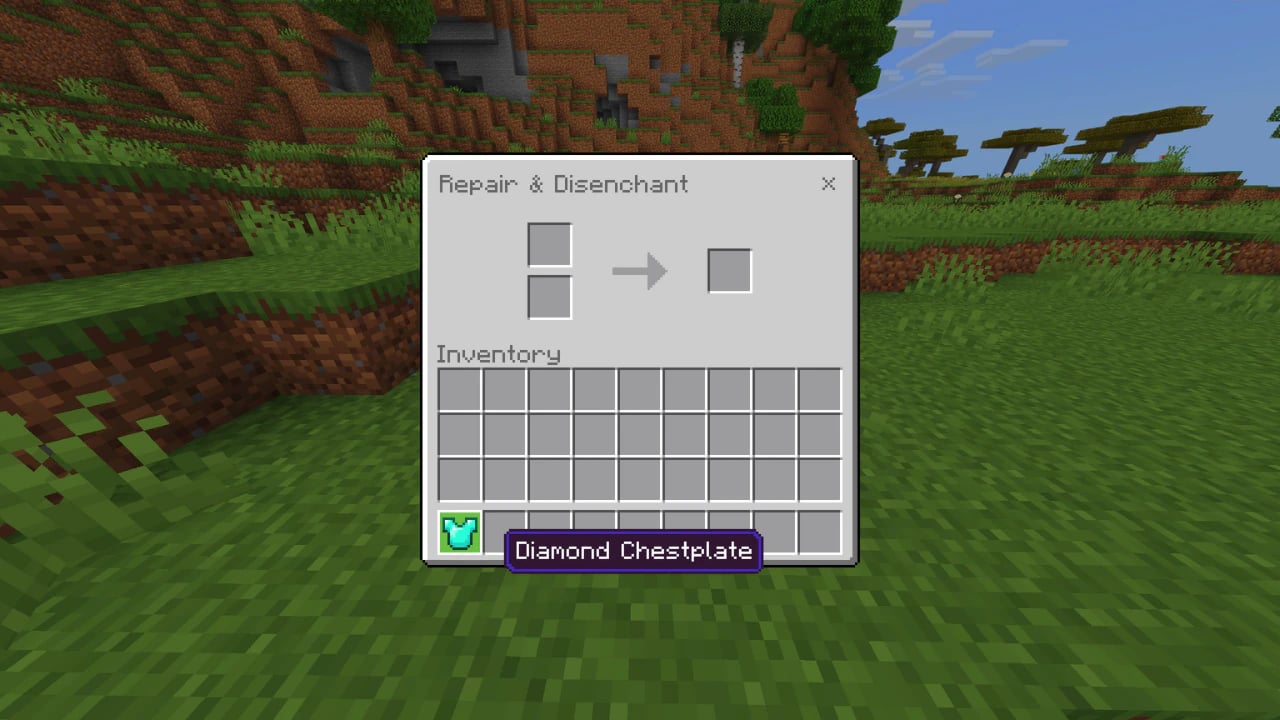
The item will come out without enchantments (except curses), and you’ll receive experience automatically.
Important Notes
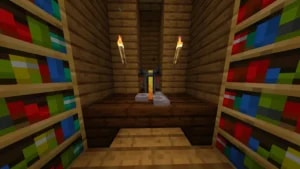
- There are grindstones in villages, like the one in the taiga, for example.
- Curses like Curse of Binding and Curse of Vanishing cannot be removed.
- The grindstone can also repair two identical items when placed together.
Disenchanting items in Minecraft is simple, useful, and can become part of your regular gameplay, especially if you want to farm XP or prepare equipment for better enchantments.