


Table of Contents
Microsoft Solitaire (Klondike) is one of the most popular card games in the world, known for being included in various versions of Windows since 1990. Although simple at first glance, it requires strategy and attention to win.
In this guide, you will learn the rules, objectives, and tips to play Solitaire on your computer or mobile device.
Objective of the Game
The goal of Solitaire is to arrange all the cards by suit (hearts, spades, diamonds, and clubs), in ascending order from Ace to King, in the four spaces called foundation piles.
Initial Setup
When starting a game of Classic Solitaire (Klondike), the layout includes:
- 7 piles of cards in the main area (also called the “tableau”).
- Stock pile: face-down cards that can be drawn during the game.
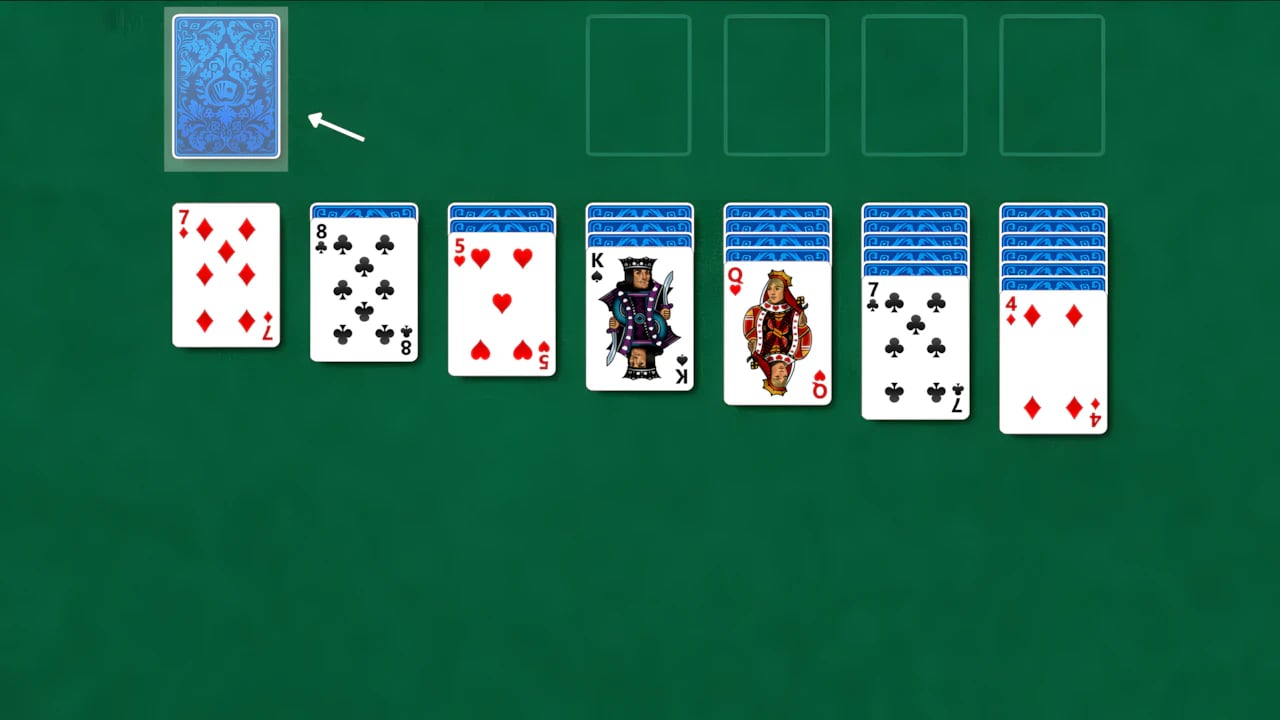
- Foundation piles: four empty spaces where you arrange each suit from Ace to King.

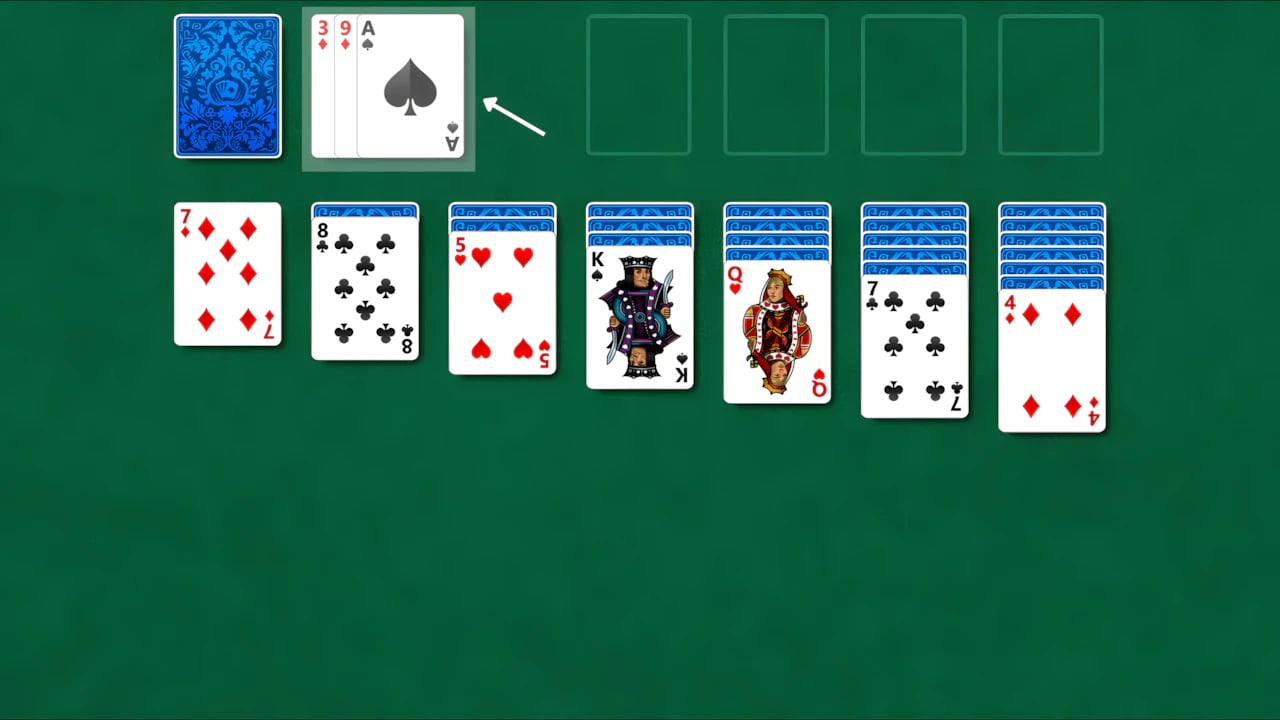
- Waste pile: face-up cards coming from the stock pile.
Rules of Microsoft Solitaire Klondike
Moving cards between tableau piles
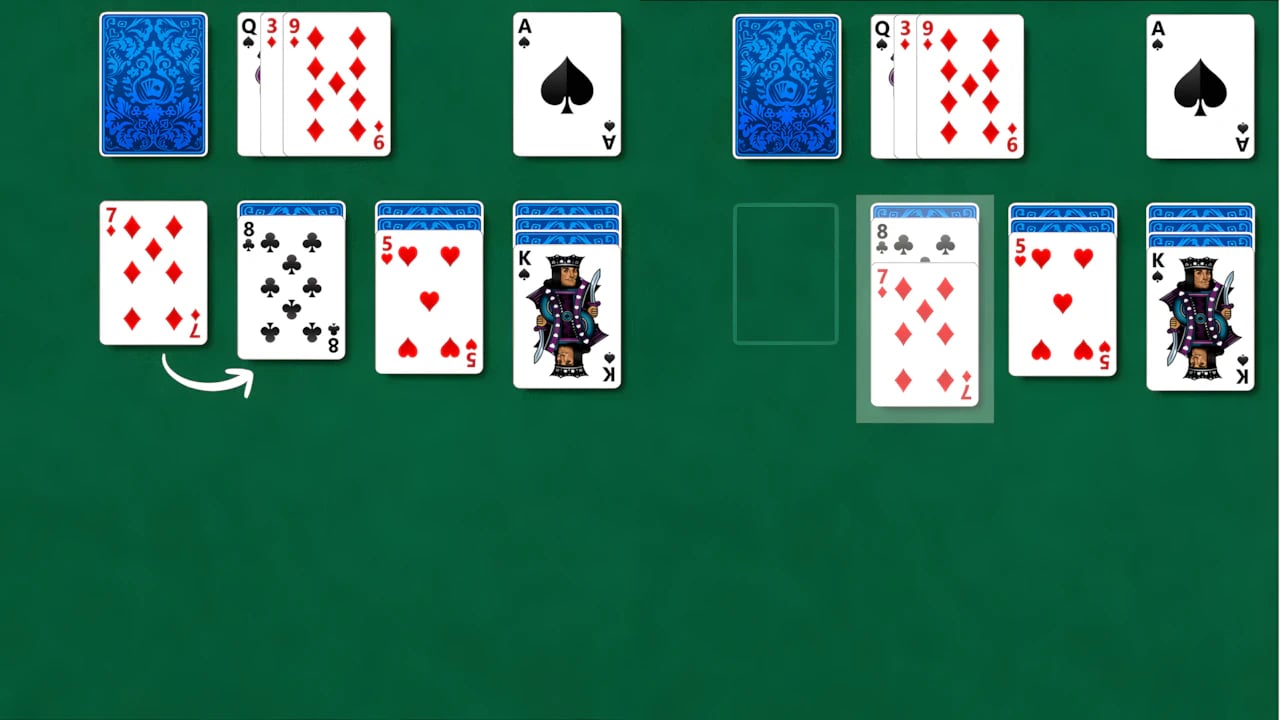
You can move cards in descending order while alternating colors (red and black).
Example: A 7 of diamonds can be placed on top of an 8 of clubs.
Empty spaces
Only a King (and any sequence it carries) can be placed in an empty tableau space.

Using the stock pile
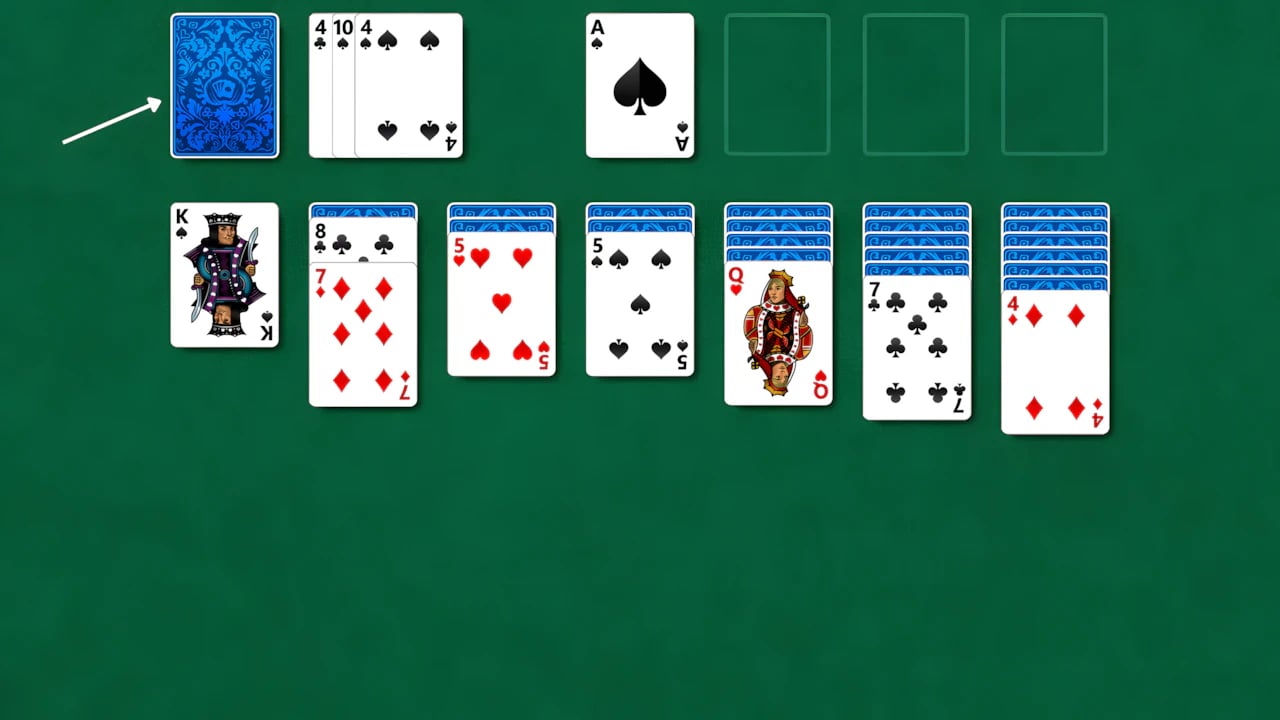
Clicking the stock pile reveals cards that can be used in the tableau or in the foundation piles.
Building the foundations
Start with the Ace of each suit and follow in order up to the King, always in the same suit.
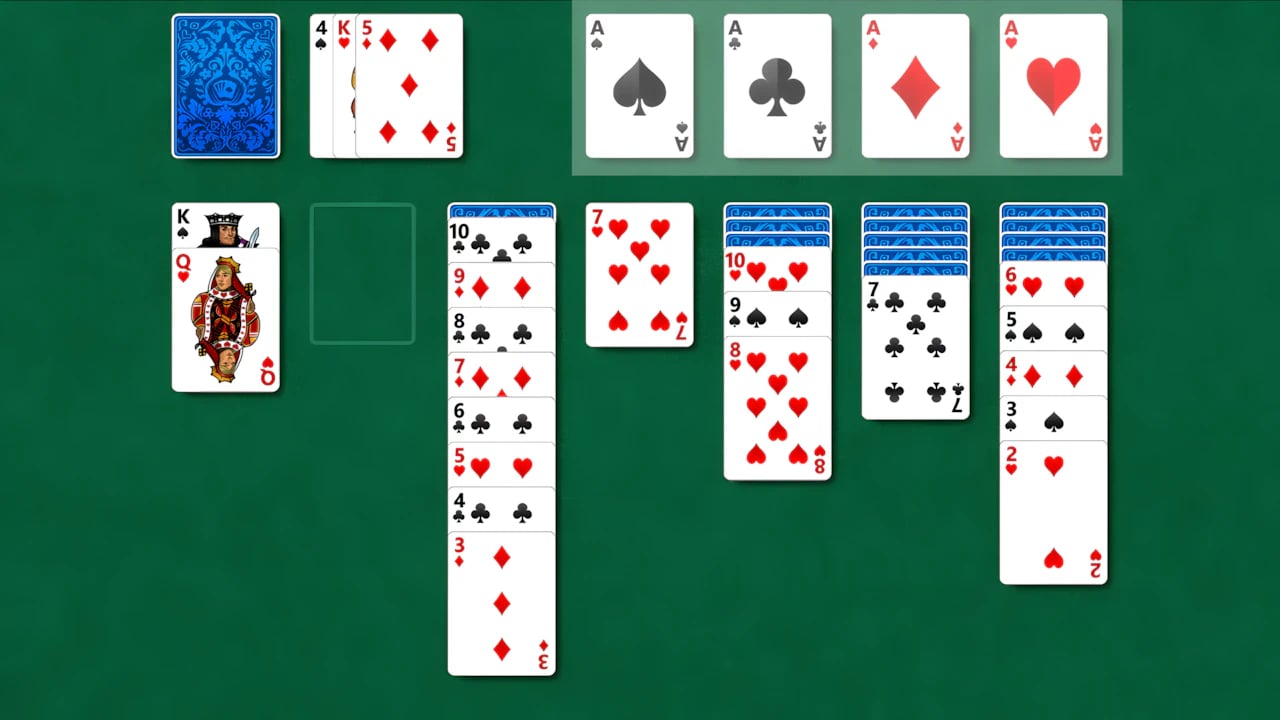
How to Play
Start with the Aces
Place Aces in the foundations as soon as they appear.
Reveal hidden cards
Whenever possible, move cards to uncover face-down ones.
Move strategically
Avoid moving cards just to free up space; plan moves to create better opportunities.
Use the stock pile wisely
Sometimes it’s worth waiting before playing a card from the stock to avoid blocking other moves.
Tips to Win at Microsoft Solitaire Klondike
- Prioritize clearing long columns to have more maneuvering space.
- Don’t move cards to the foundation too early if they can help move other piles.
- Use the Undo option sparingly to correct strategic mistakes.
Where to Play Microsoft Solitaire (Klondike)
Besides Windows, Microsoft Solitaire is available on:
- Windows 10 and 11.
- Official apps for Android and iOS.
Microsoft Solitaire Klondike is a game that combines luck and strategy. With practice, you’ll learn to identify the best moves, increasing your chances of winning.