

Table of Contents
How to Create the Copper Golem in Minecraft
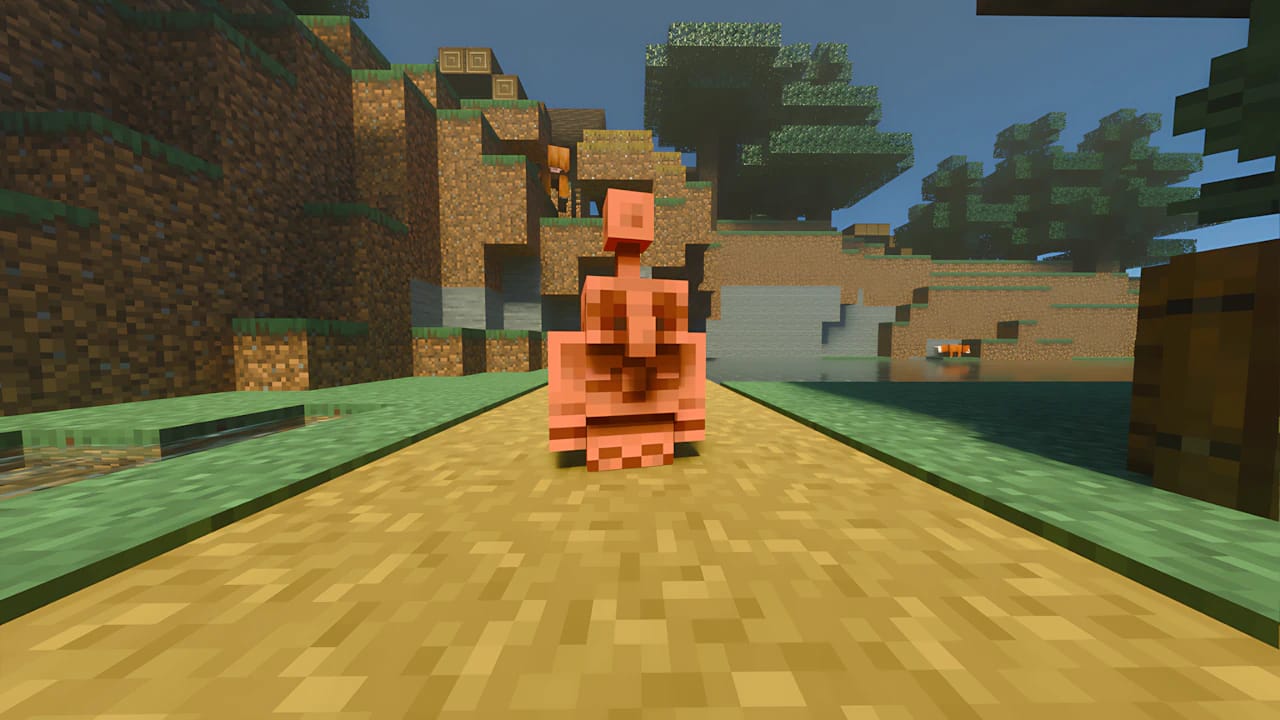
The Copper Golem is a passive and adorable creature in Minecraft, known for its ability to automatically organize your items.
Unlike the Iron Golem, it’s not a protector, but rather a logistics assistant. It takes items from a Copper Chest and stores them in nearby chests that already contain the same item or in empty ones.
Here’s how you can summon your own Copper Golem and make the most of this new game feature.
Required Materials
The Copper Golem is summoned similarly to the Iron and Snow Golems, but using copper blocks instead of iron or snow.
You’ll need just two main items:
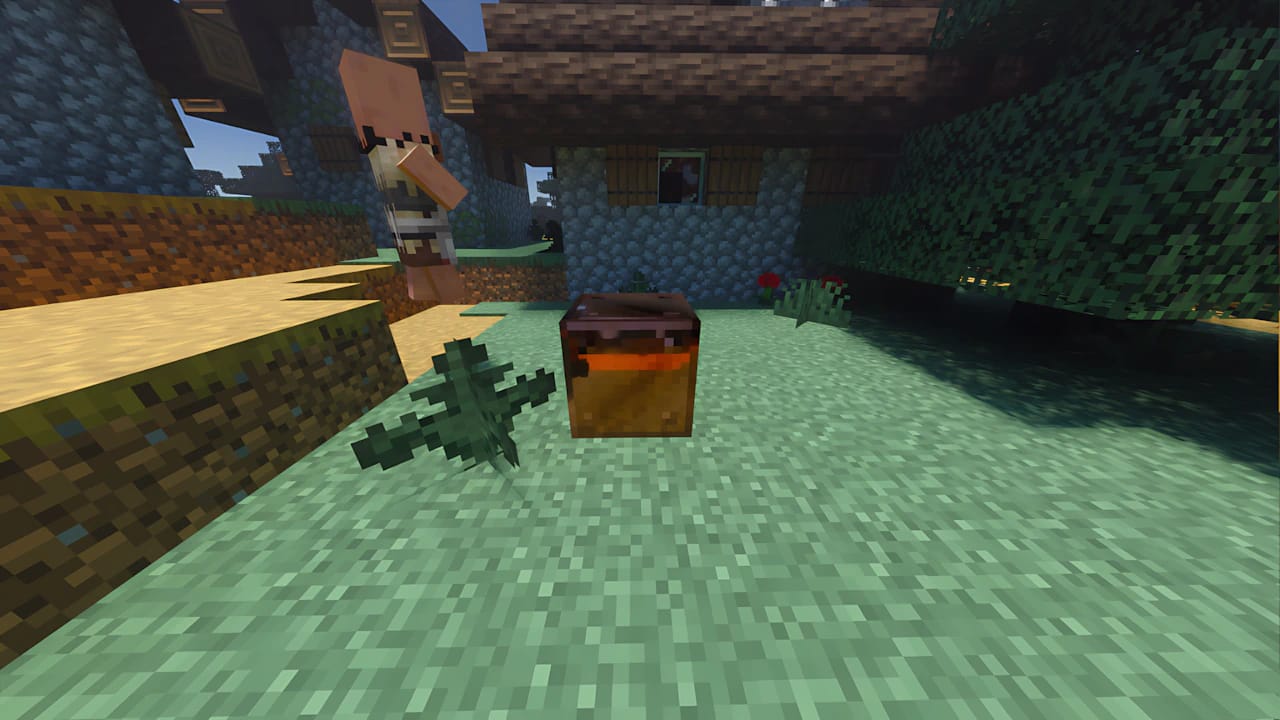
- 1x Copper Block (Any oxidation stage: Regular Copper, Exposed Copper, Weathered Copper, or Oxidized Copper. You can also use waxed versions.)
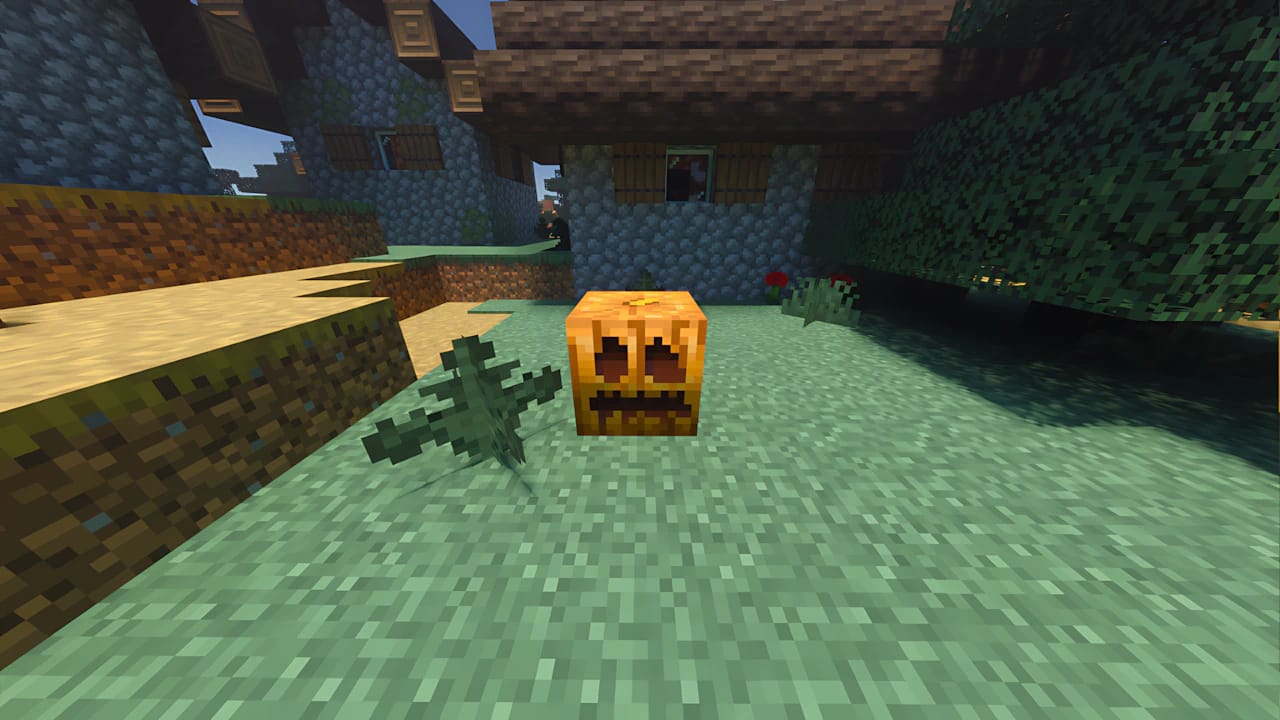
- 1x Carved Pumpkin (or Jack O’Lantern / Lit Pumpkin)
How to Obtain the Materials
Copper Block
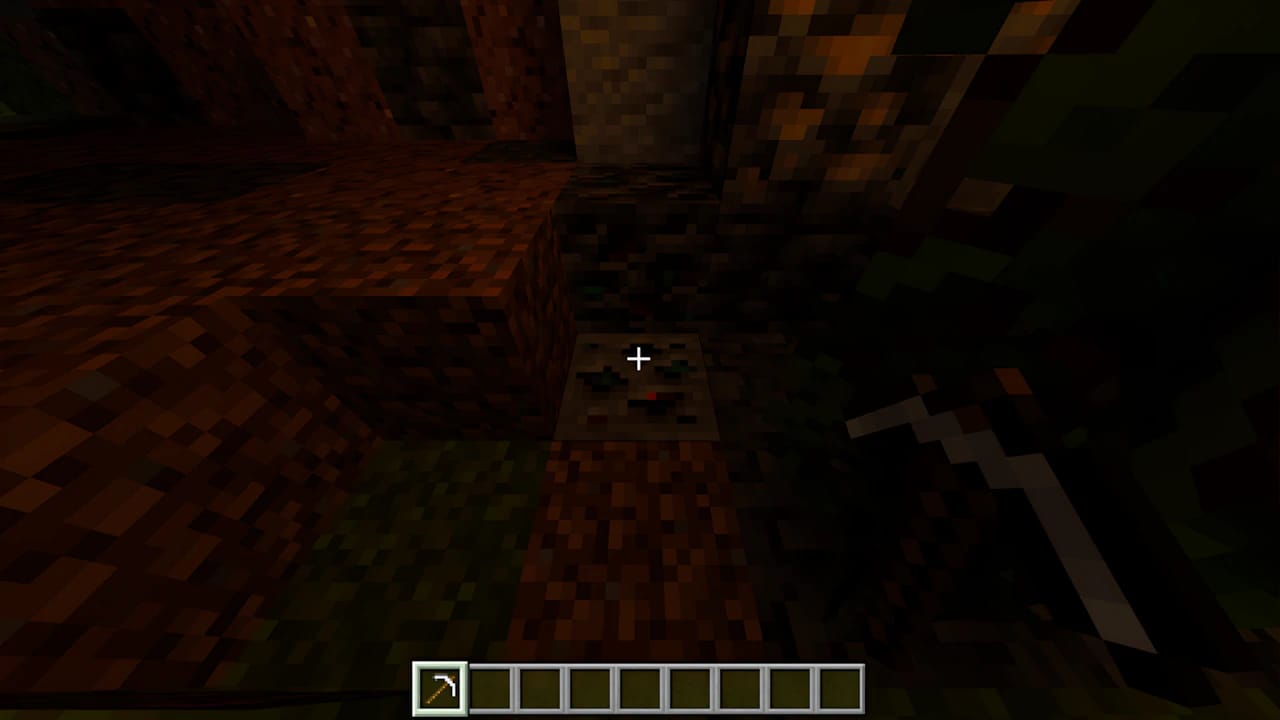
Mine Copper Ore
Find copper ore in caves and underground biomes.
Smelt the Copper
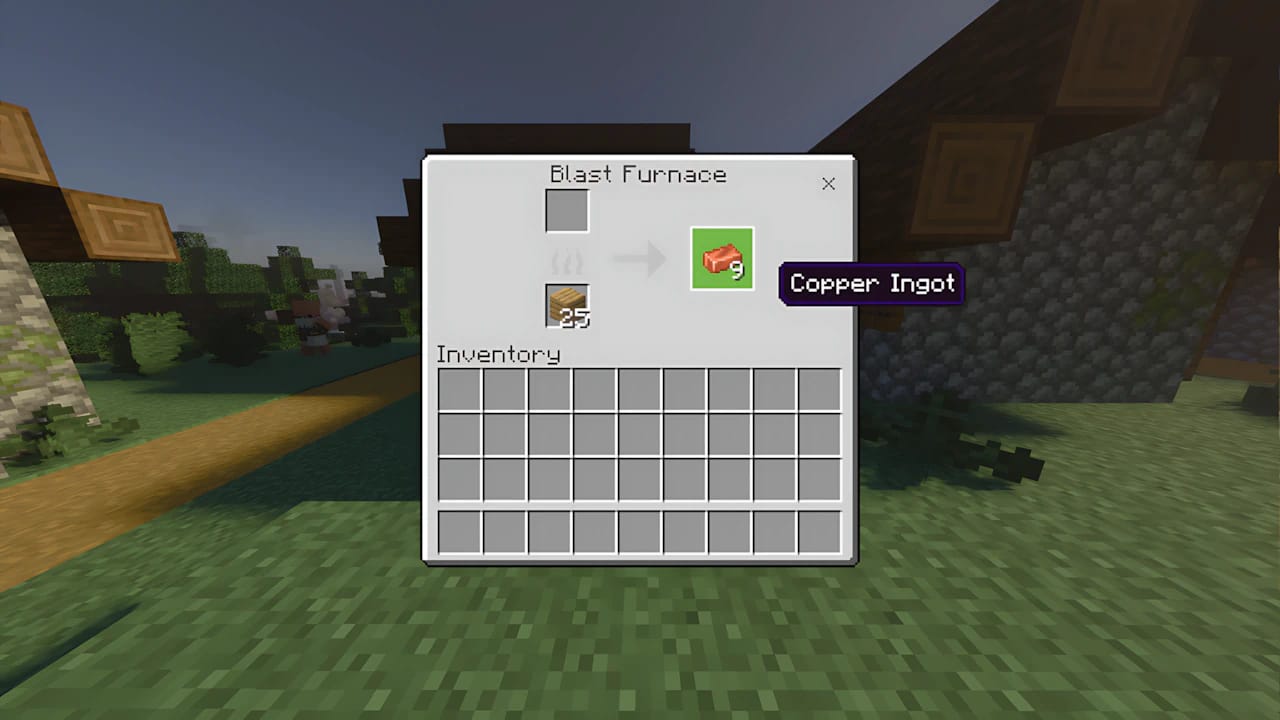
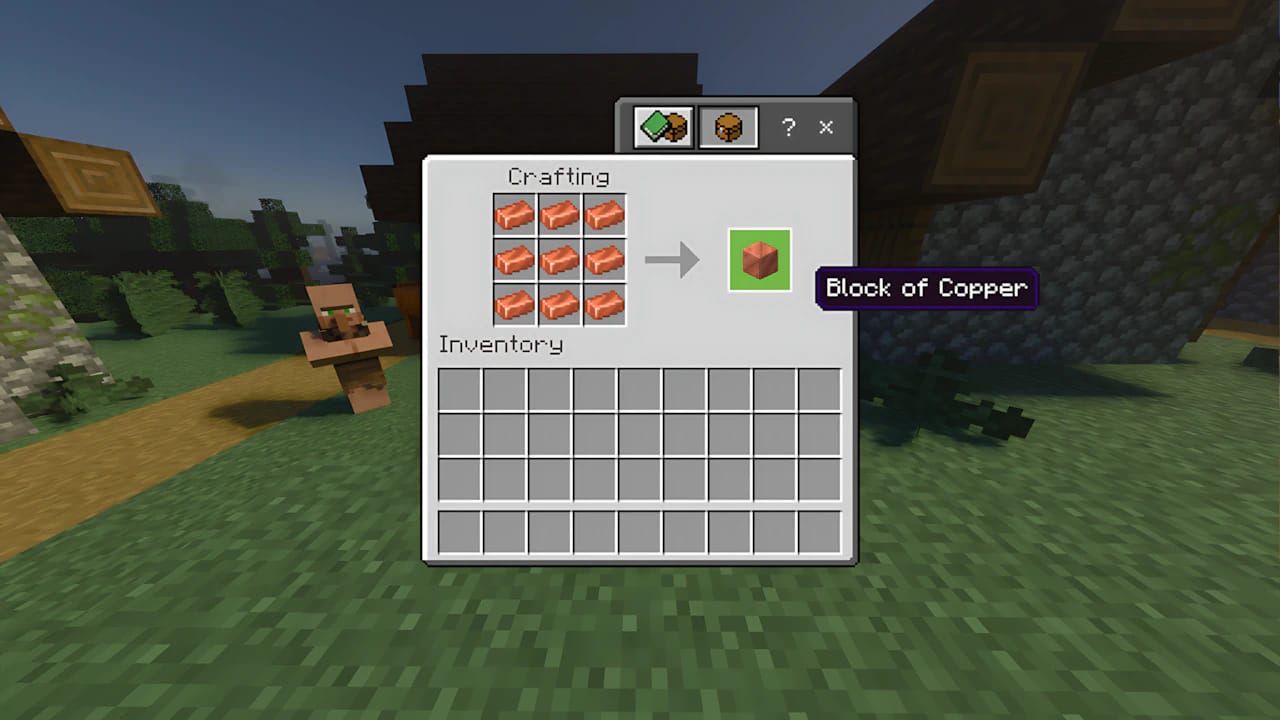
Place Raw Copper in a Furnace or Blast Furnace to obtain Copper Ingots. You’ll need 9 Copper Ingots to craft one block.
Craft the Block
Use a Crafting Table and fill all 9 slots with Copper Ingots to create 1 Copper Block.
Carved Pumpkin
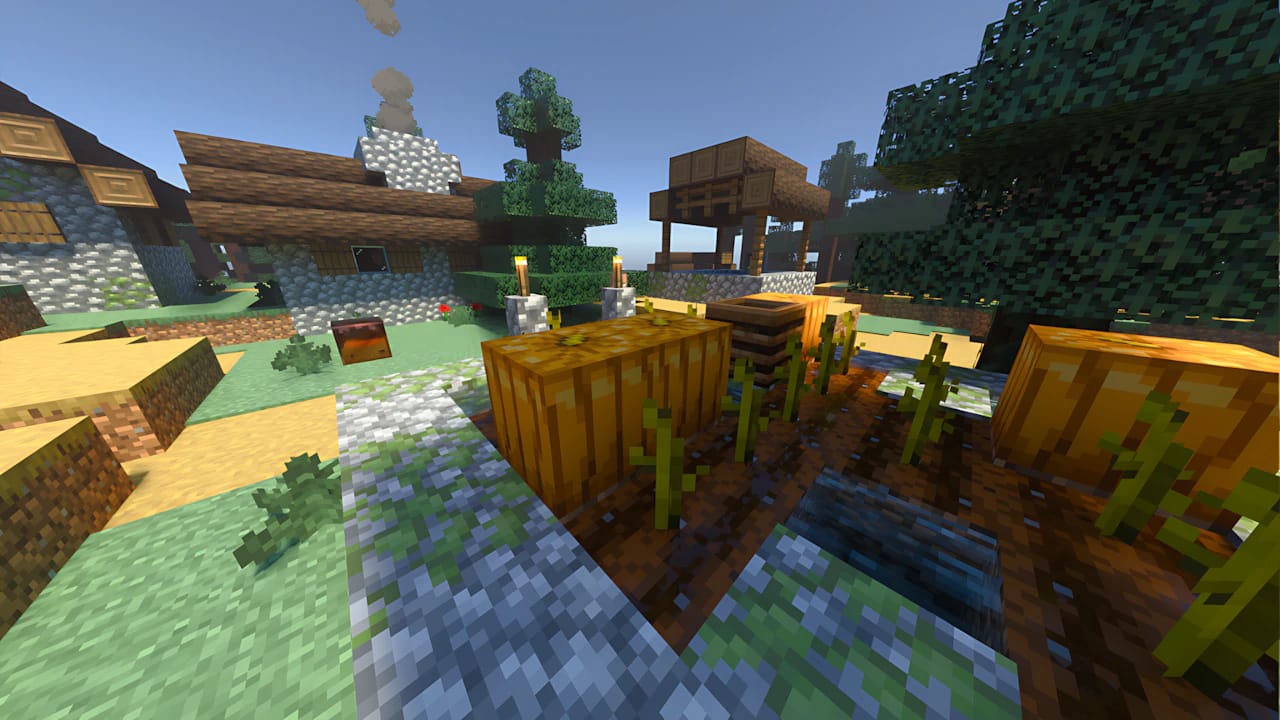
Find a Pumpkin: Pumpkins grow naturally in plains or forest biomes but are more common in open areas.
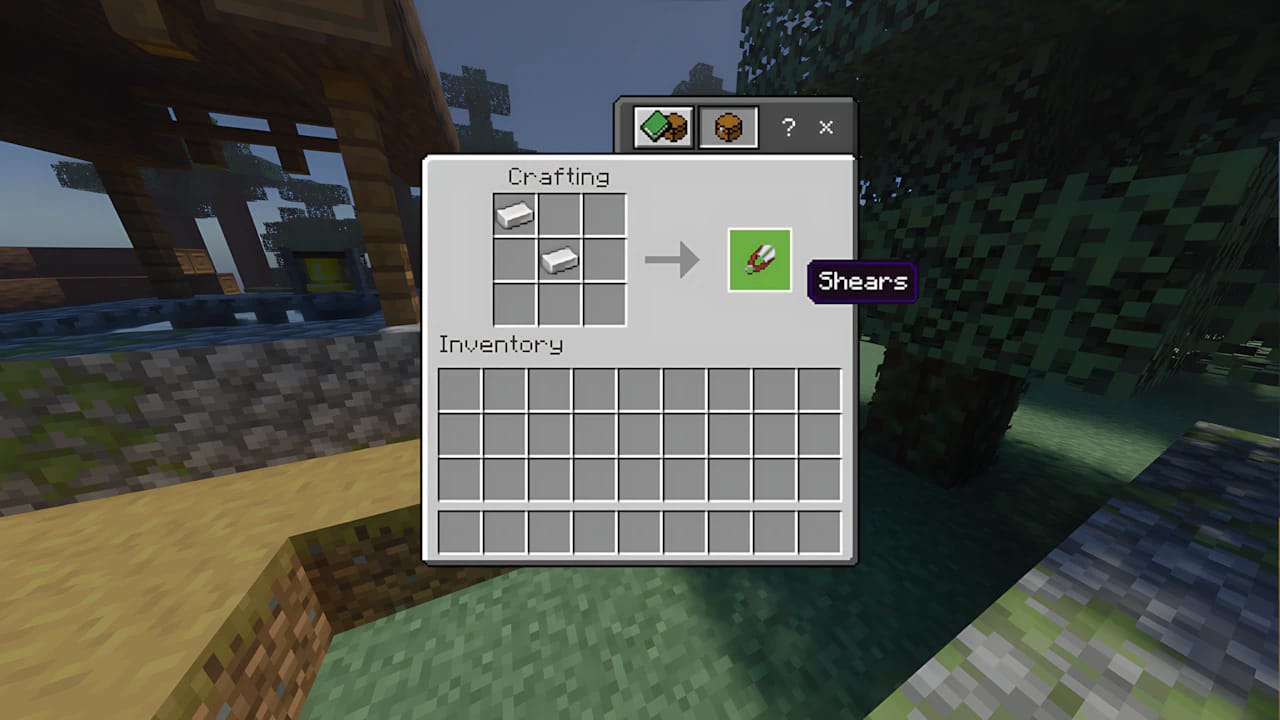
Craft Shears: You’ll need 2 Iron Ingots to craft Shears at a Crafting Table.
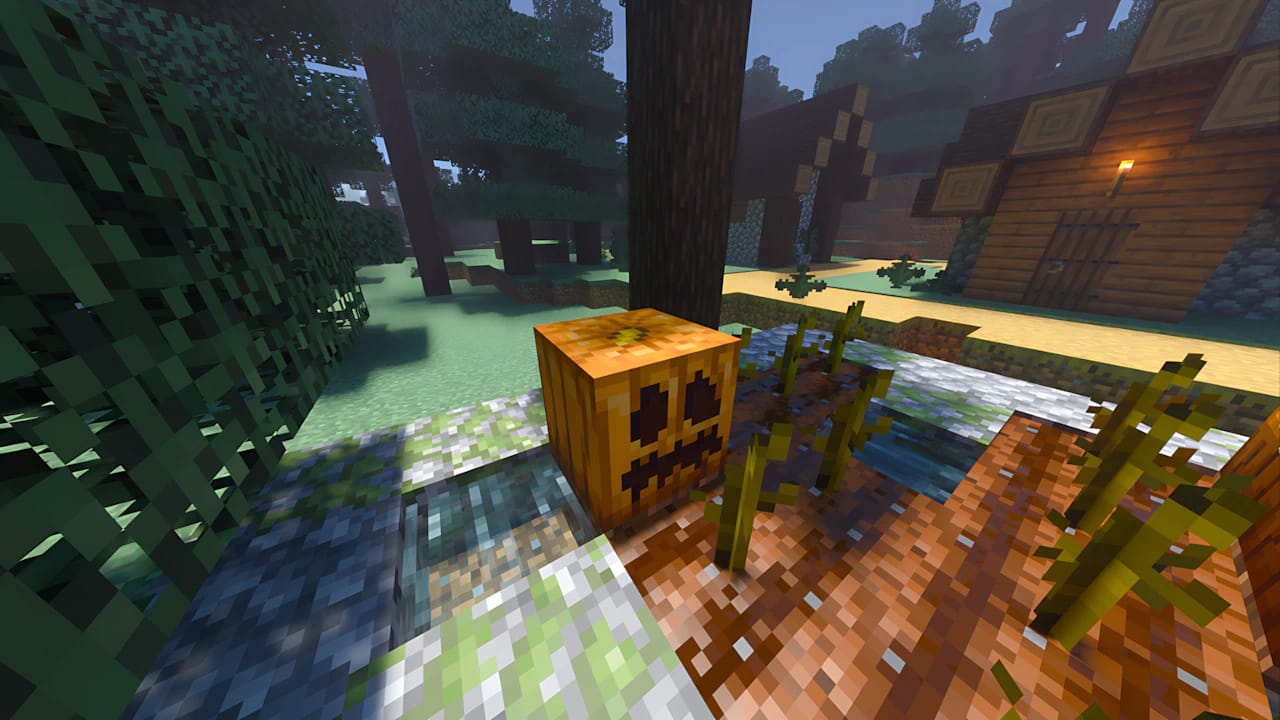
Carve the Pumpkin: Hold the Shears and use them (right-click or secondary action) on a regular Pumpkin to turn it into a Carved Pumpkin.
Summoning The Copper Golem
The order of the blocks is crucial to summon the Copper Golem:
Place the Copper Block: Put your Copper Block on the ground — this will serve as the Golem’s body.
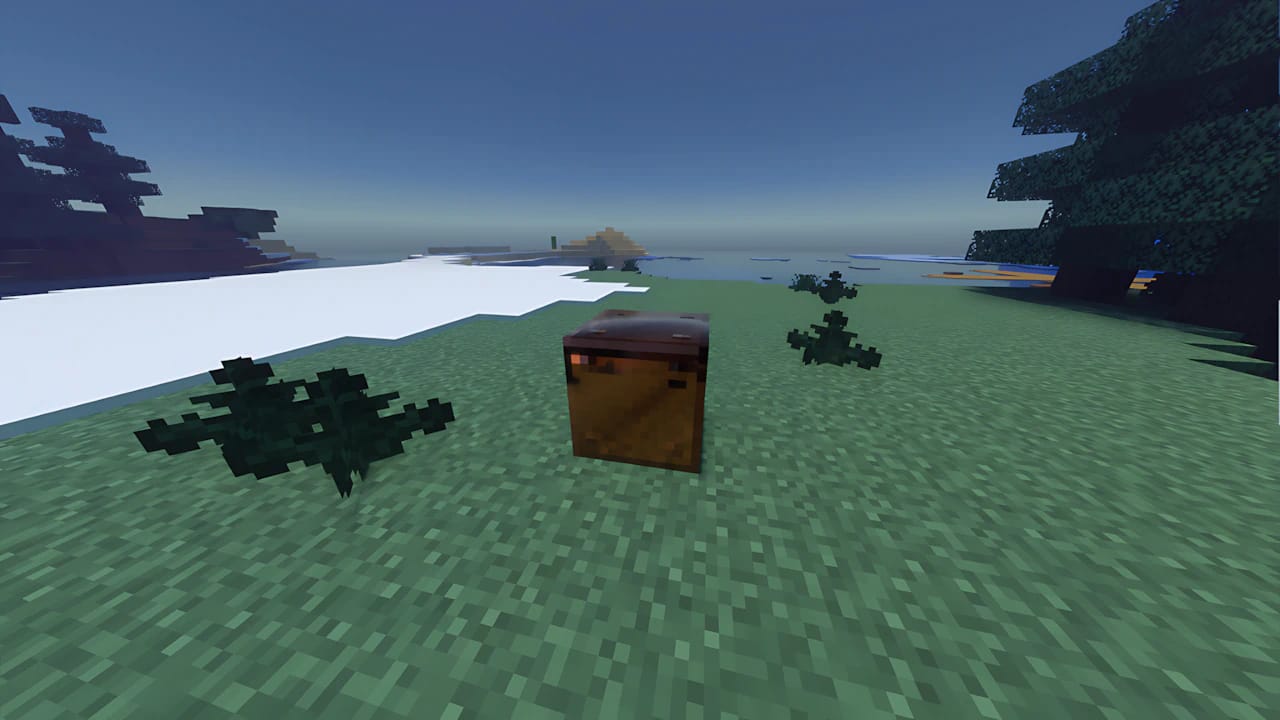
Place the Carved Pumpkin: Hold the Carved Pumpkin and place it on top of the Copper Block.
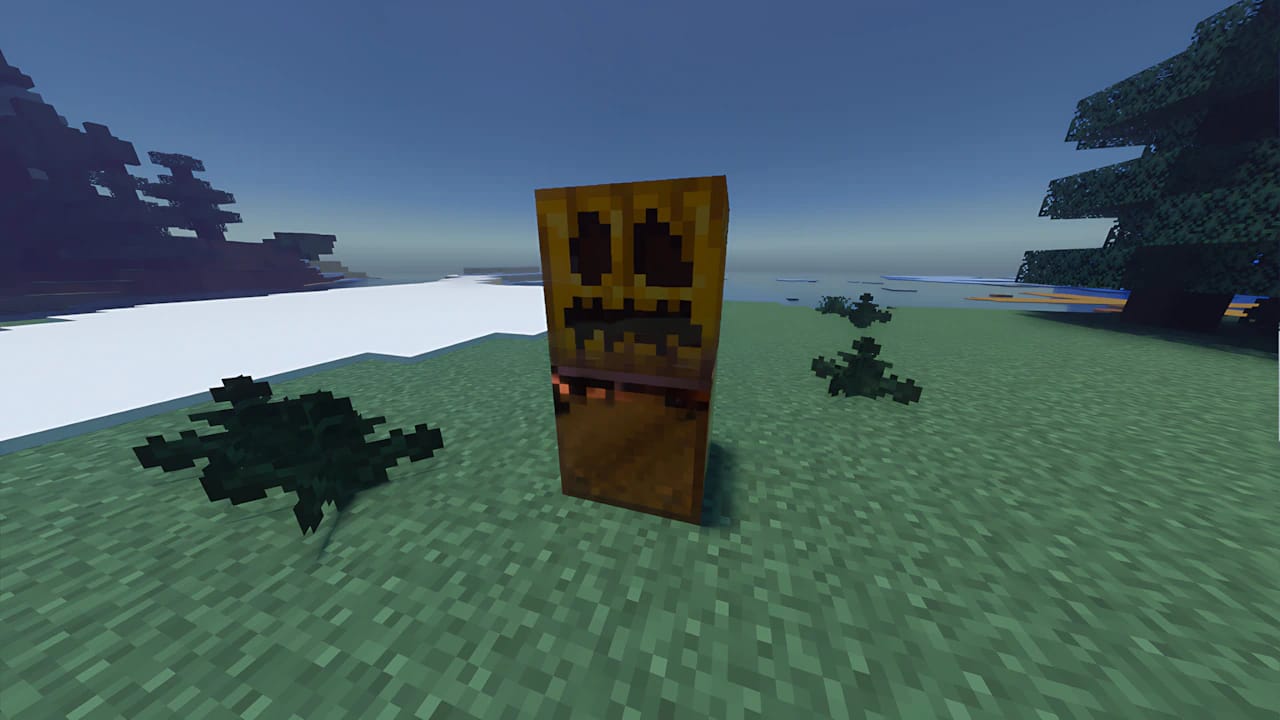
As soon as you place the Carved Pumpkin, the Copper Golem will be summoned instantly!
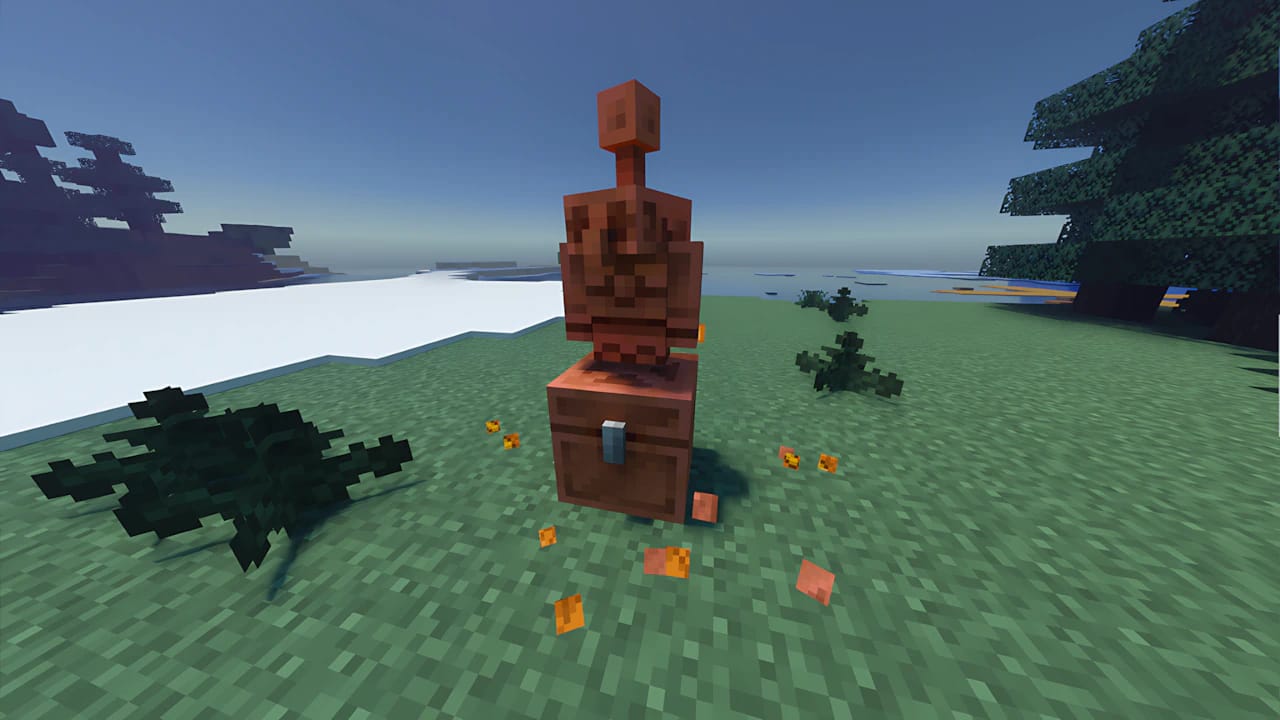
Important Tip: The copper block used to summon the Golem will automatically transform into a Copper Chest. This is the only type of chest from which the Copper Golem will take items to begin organizing.
Copper Golem: Behavior and Tips
After being summoned, the Copper Golem is a helpful friend with some unique traits:
Item Organization
The main purpose of the Copper Golem is item sorting.
It picks up to 16 items (of the first type it finds) from a Copper Chest.
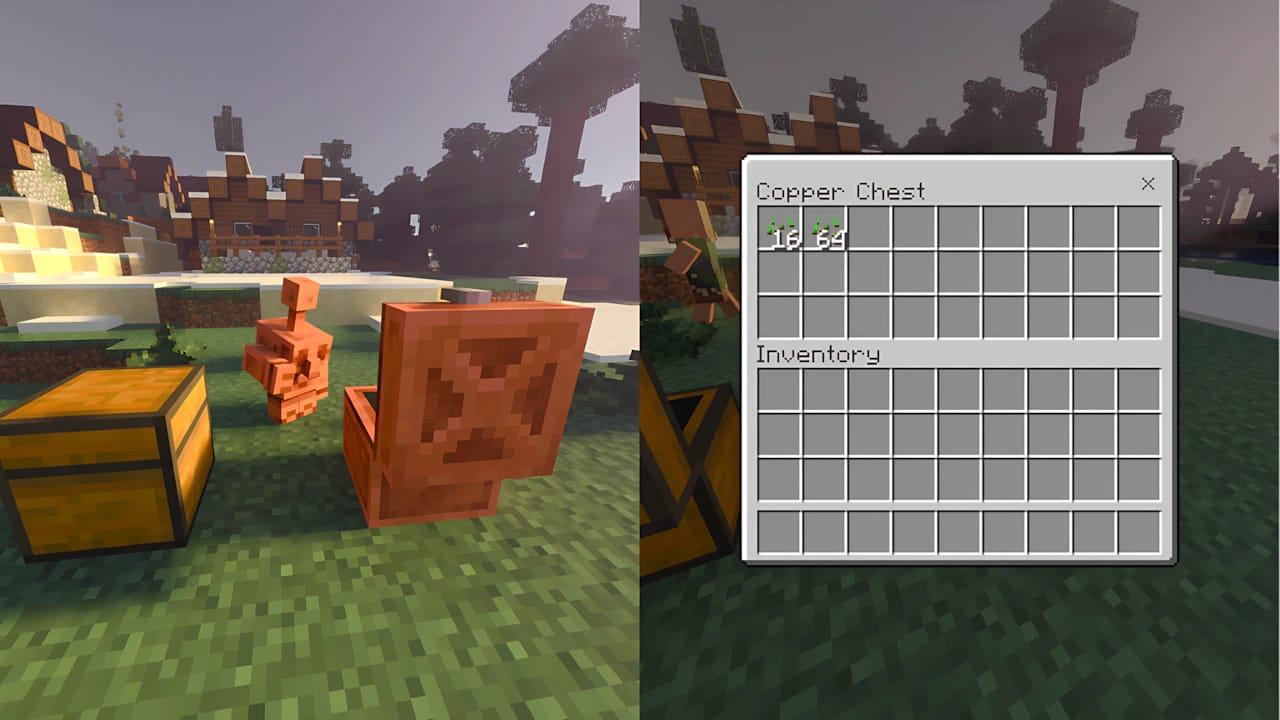
Then, it searches for nearby Wooden Chests (normal, trapped, or Nether chests) that already contain that item or are empty.
It deposits the items in the first compatible chest it finds
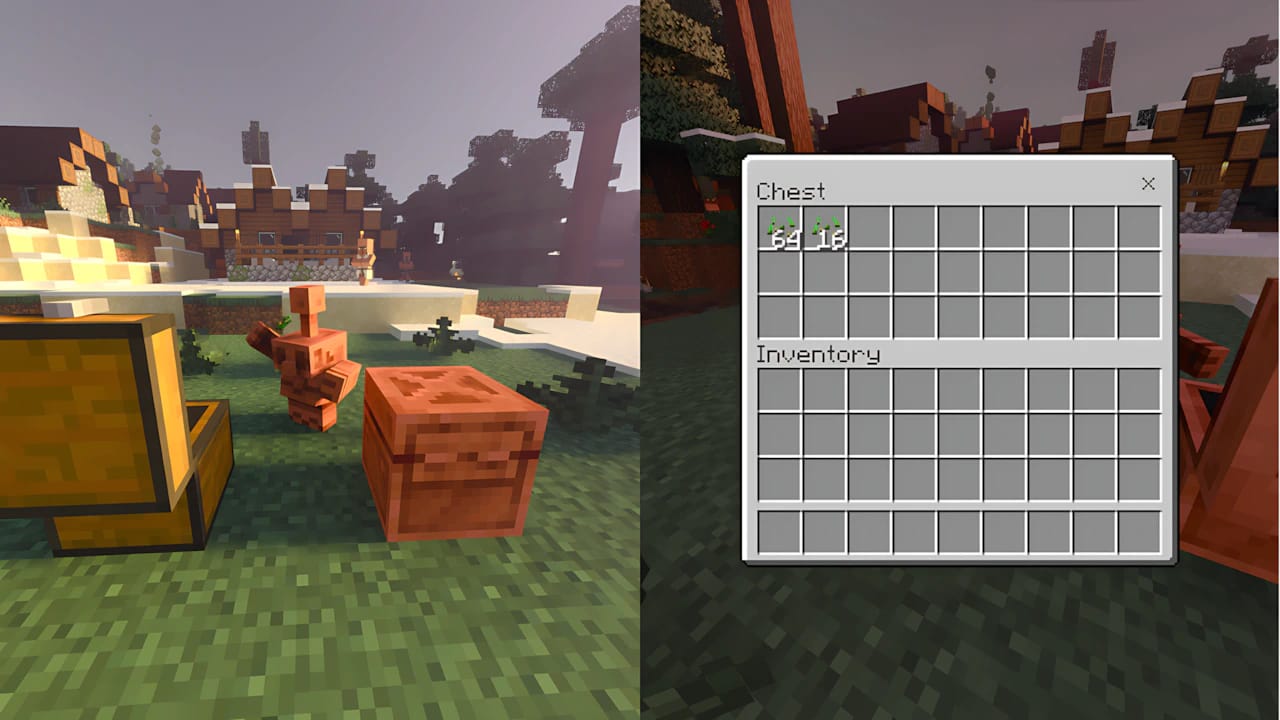
This makes it perfect for creating a dumping point where you can throw all your collected items, and the Golem will sort them into your storage system.
Oxidation and Statue
Just like Copper Blocks, your Copper Golem will oxidize over time, turning into a greenish color (patina).
When fully oxidized, the Copper Golem can freeze into a Copper Golem Statue, becoming a decorative block.
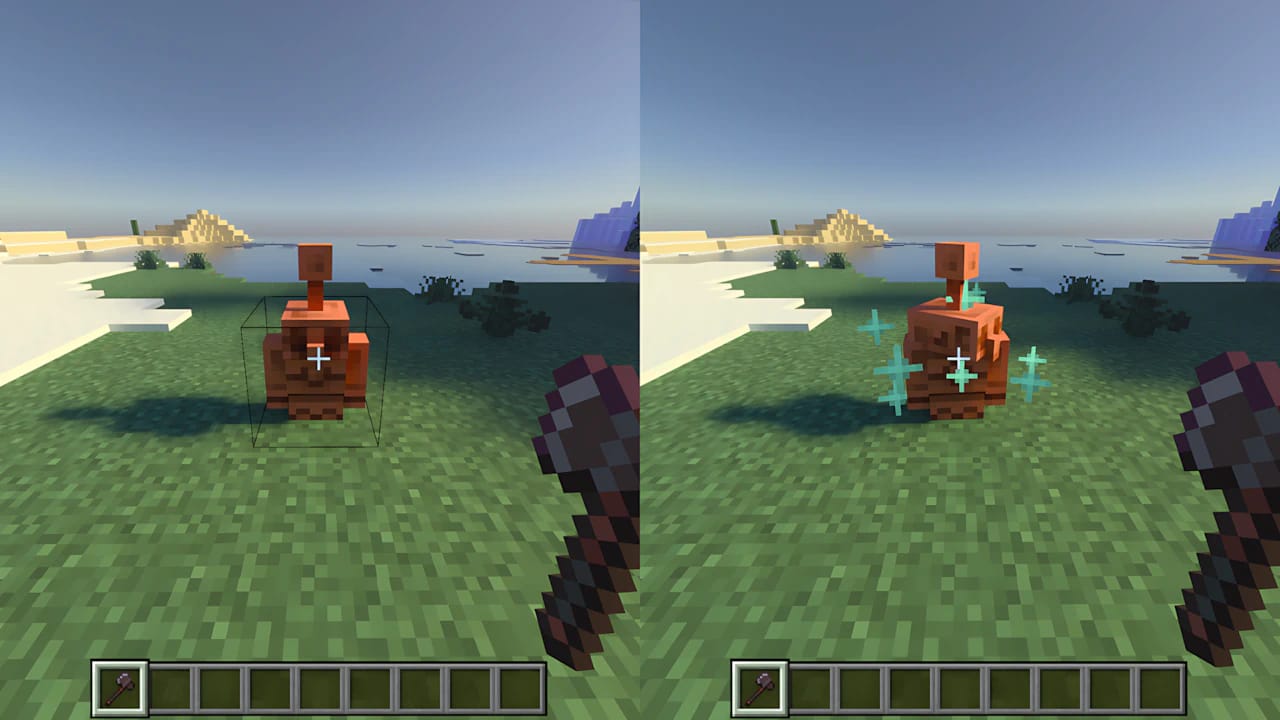
To reanimate a statue or remove oxidation, you can use an Axe or have it struck by lightning.
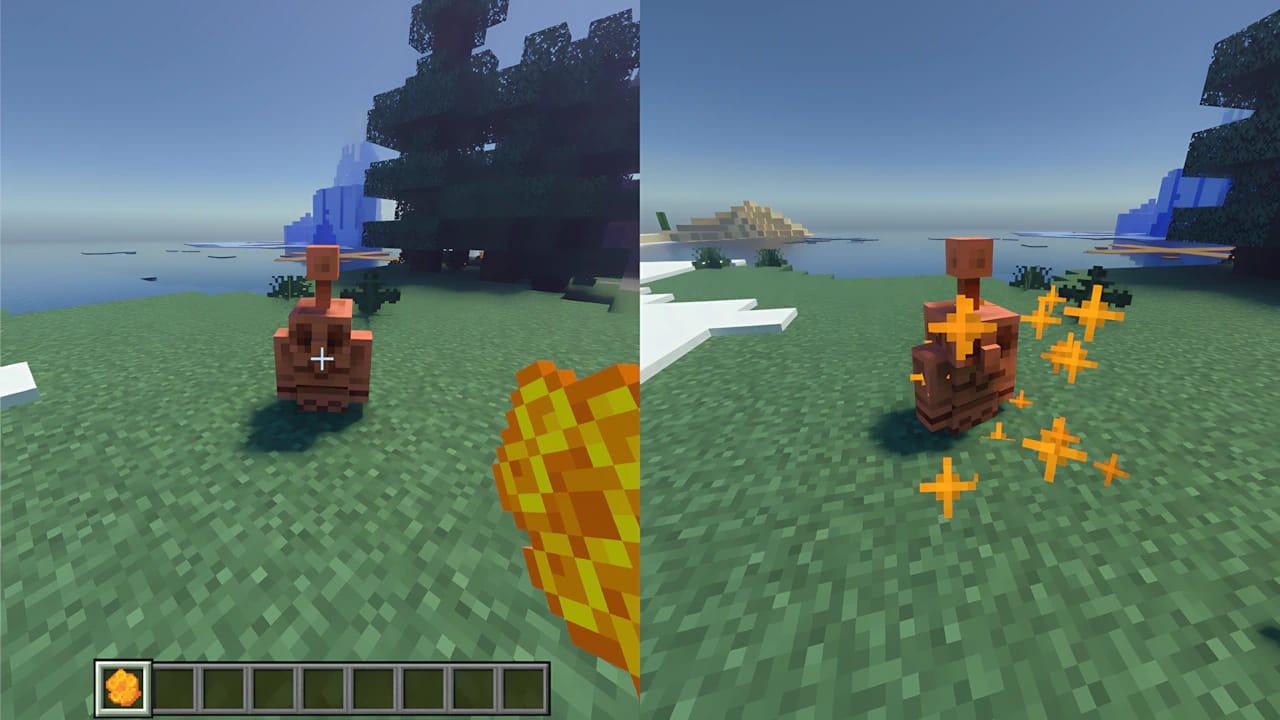
To prevent oxidation, use a Honeycomb on the Golem, turning it into a Waxed Copper Golem. It will no longer oxidize or turn into a statue.
Your new Copper Golem is now ready to help you keep your world organized! It’s an amazing feature for players who want to automate inventory management and bring more life to their base.