

Table of Contents
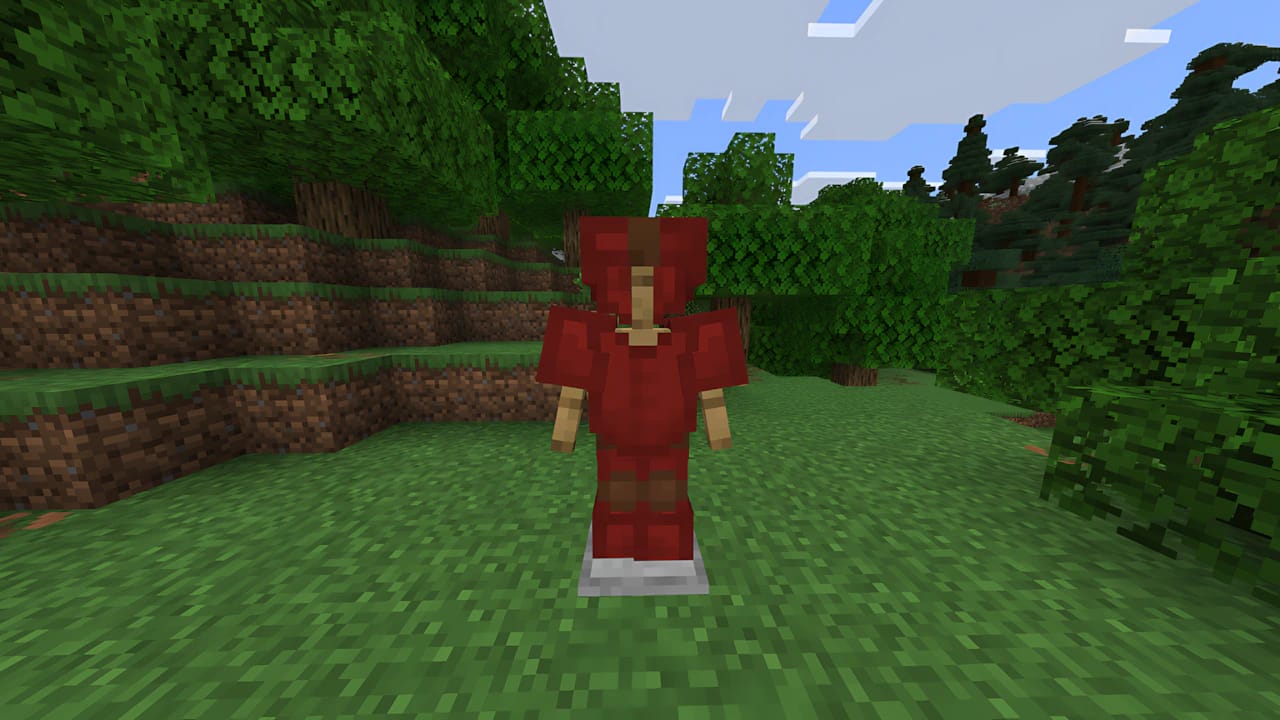
Leather Armor is the only armor set that can be fully customized with colors in Minecraft, allowing players to create unique looks, represent clans, or simply wear their favorite color. This guide will detail how to perform the dyeing process in the two main editions of the game.
What You Need
Before starting, make sure you have the following items:
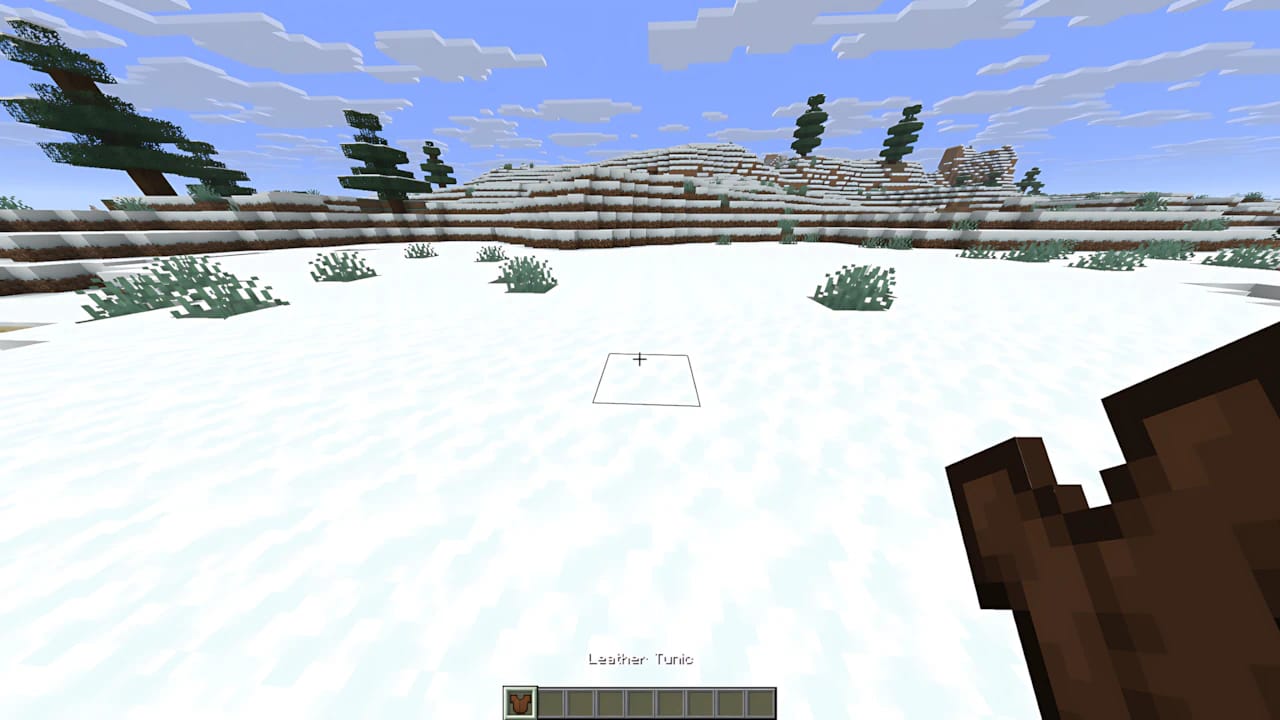
Leather Armor: Pieces (Helmet, Chestplate, Leggings, Boots, or Horse Armor) made of leather.
Dye: Any of the 16 basic dyes in the game (Red, Blue, Yellow, etc.).
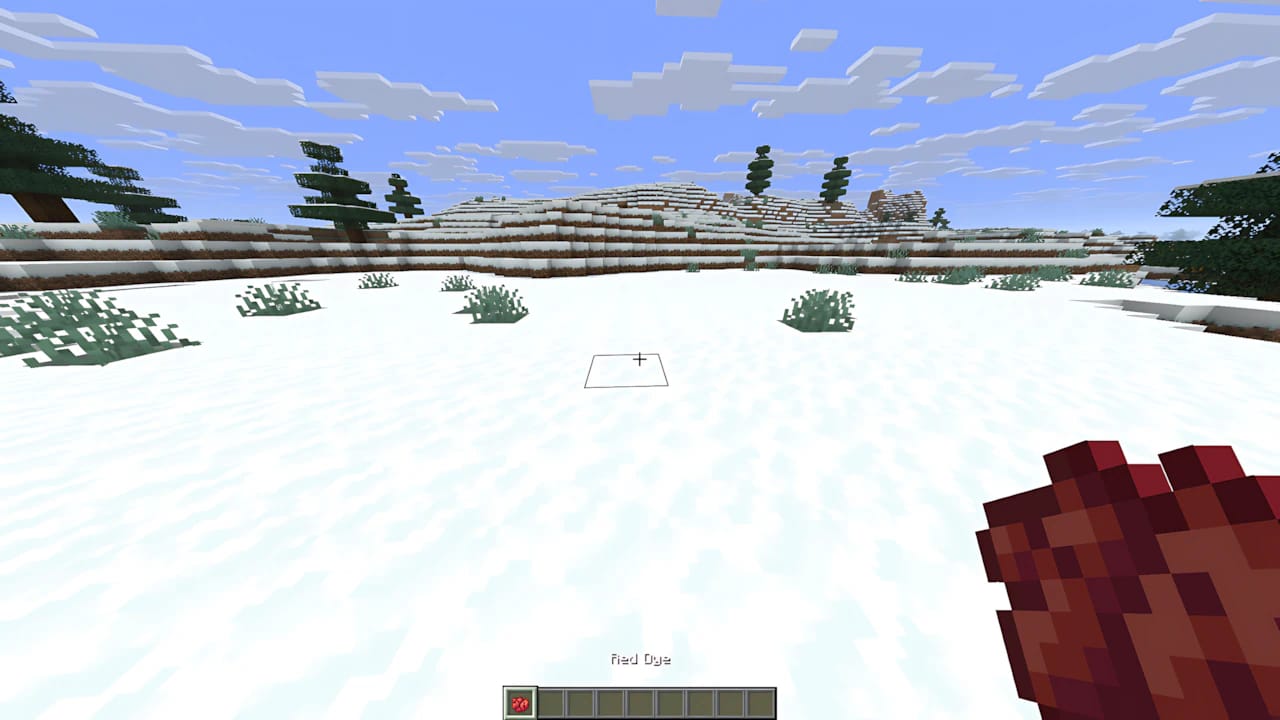
Dyeing in Minecraft: Java Edition
In the Java Edition, the process is the most straightforward, using the Crafting Table.
Step-by-Step
Open the Crafting Table: Interact with your Crafting Table.
Position the Items: Place a piece of Leather Armor into any slot of the crafting grid.
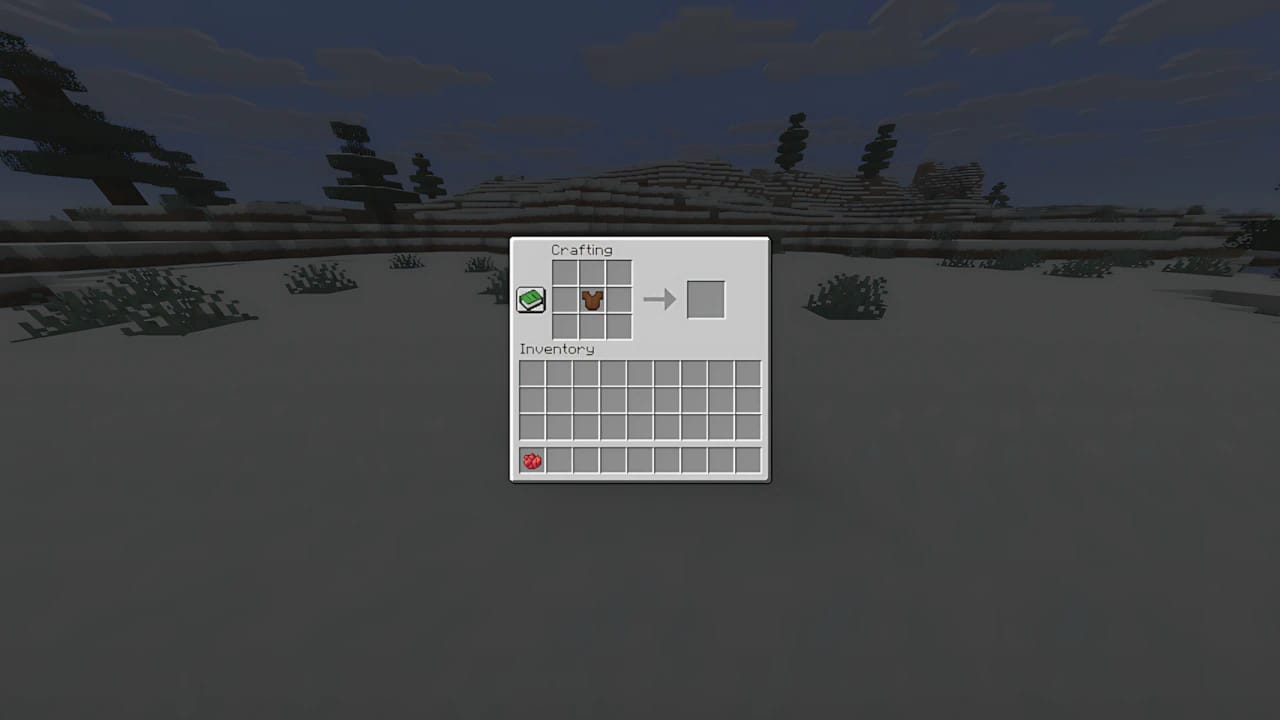
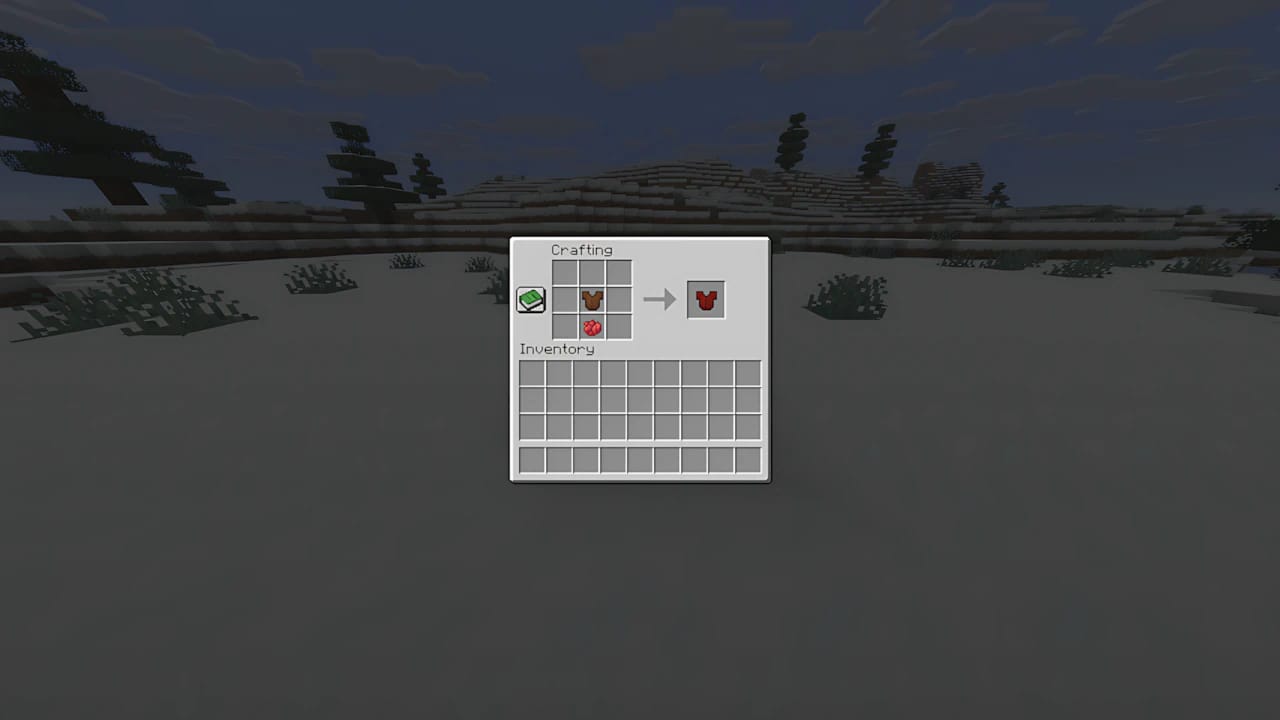
Add the Dye: Place the desired Dye into another slot of the grid. The dyed item will appear in the output slot. Take it out and repeat the process for the other armor pieces.
Color Mixing Tip
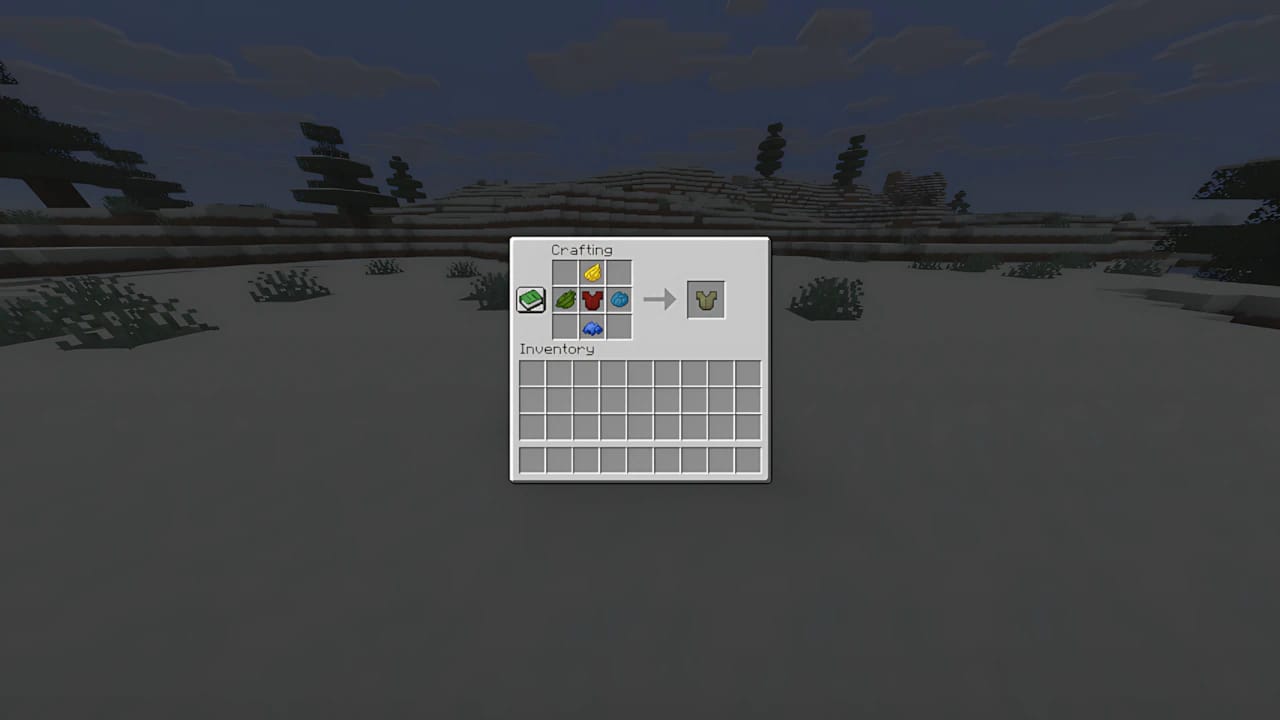
In the Java Edition, you can mix dyes with the armor to create custom colors. Simply place multiple dyes and the leather piece in the crafting grid. The final color will be an average of the mixed colors.
Dyeing in Minecraft: Bedrock Edition
In the Bedrock Edition, the process is more interactive, using the Cauldron and Water.
Additional Items Needed
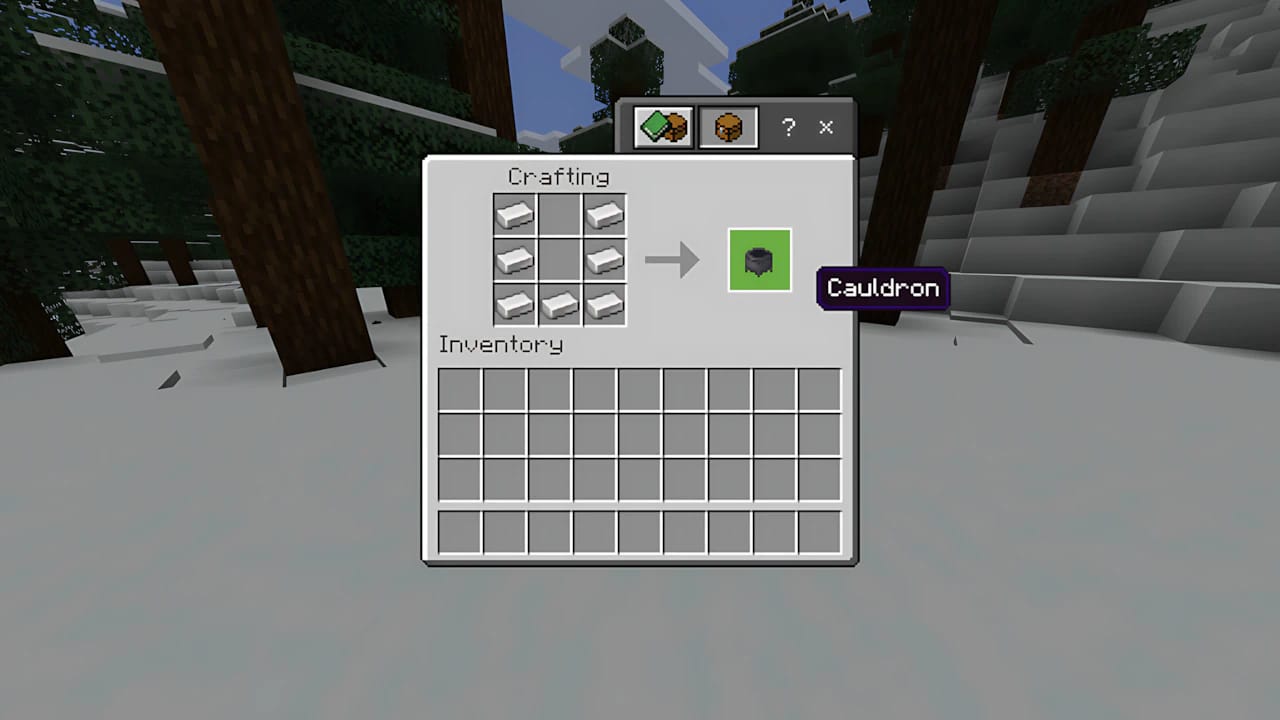
Cauldron: Crafted with 7 Iron Ingots in a ‘U’ shape.
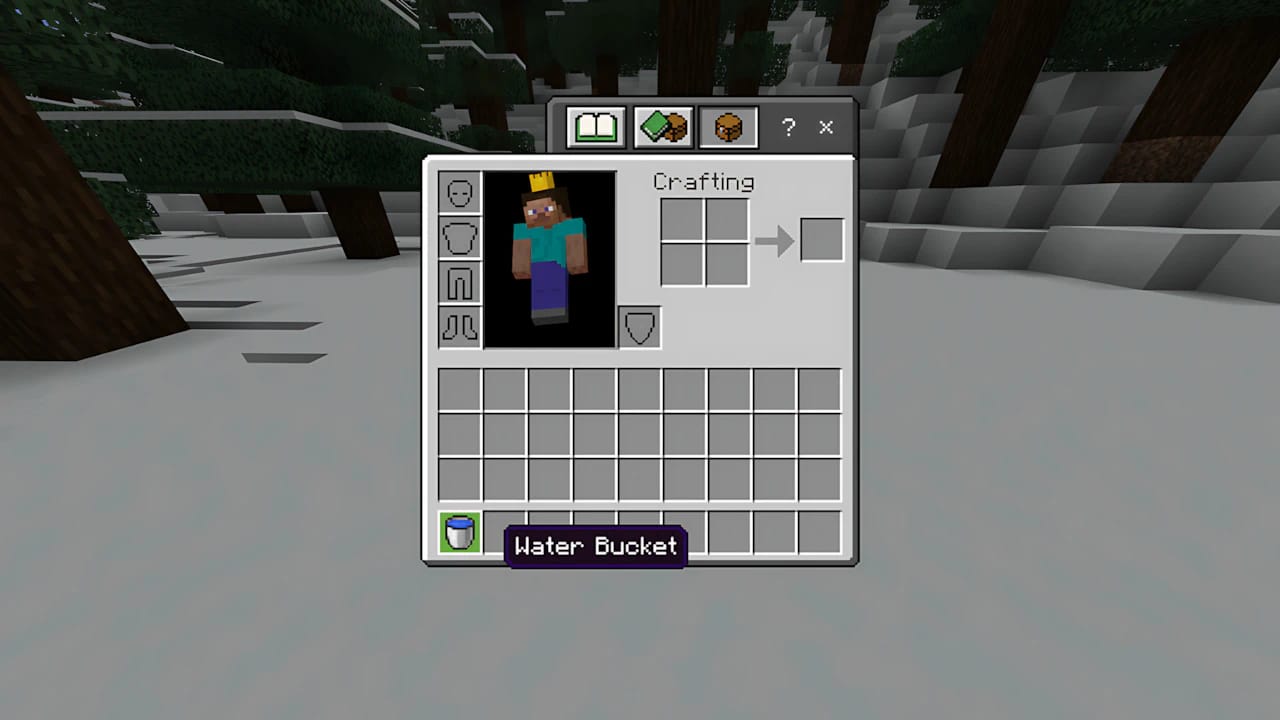
Water Bucket: To fill the Cauldron.
Step-by-Step
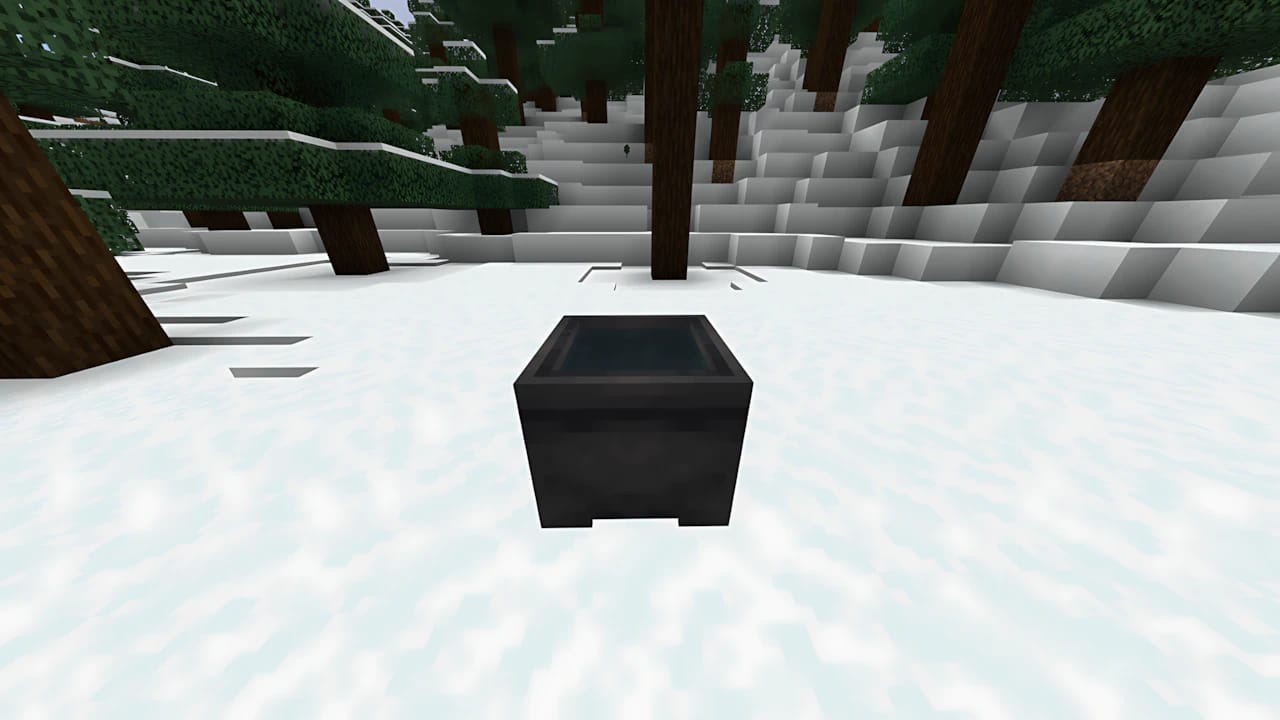
Place and Fill the Cauldron: Place the Cauldron on the ground and use a Water Bucket to fill it (right-click/action button).
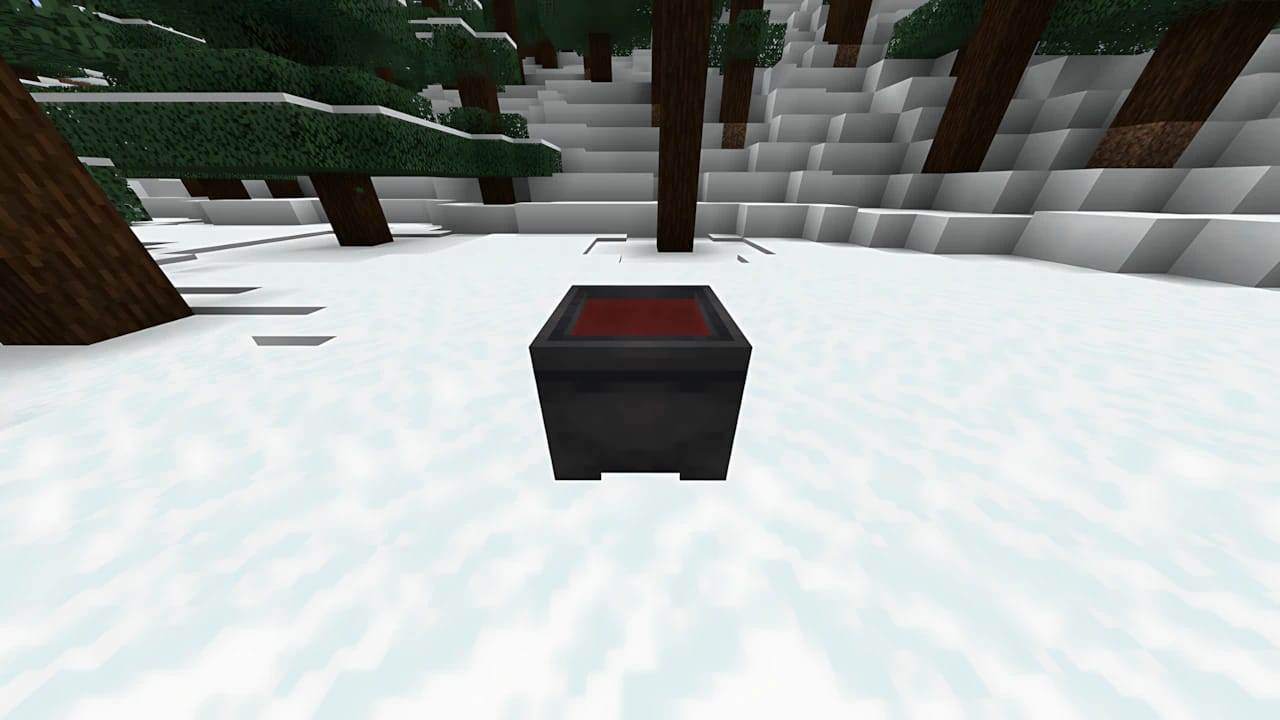
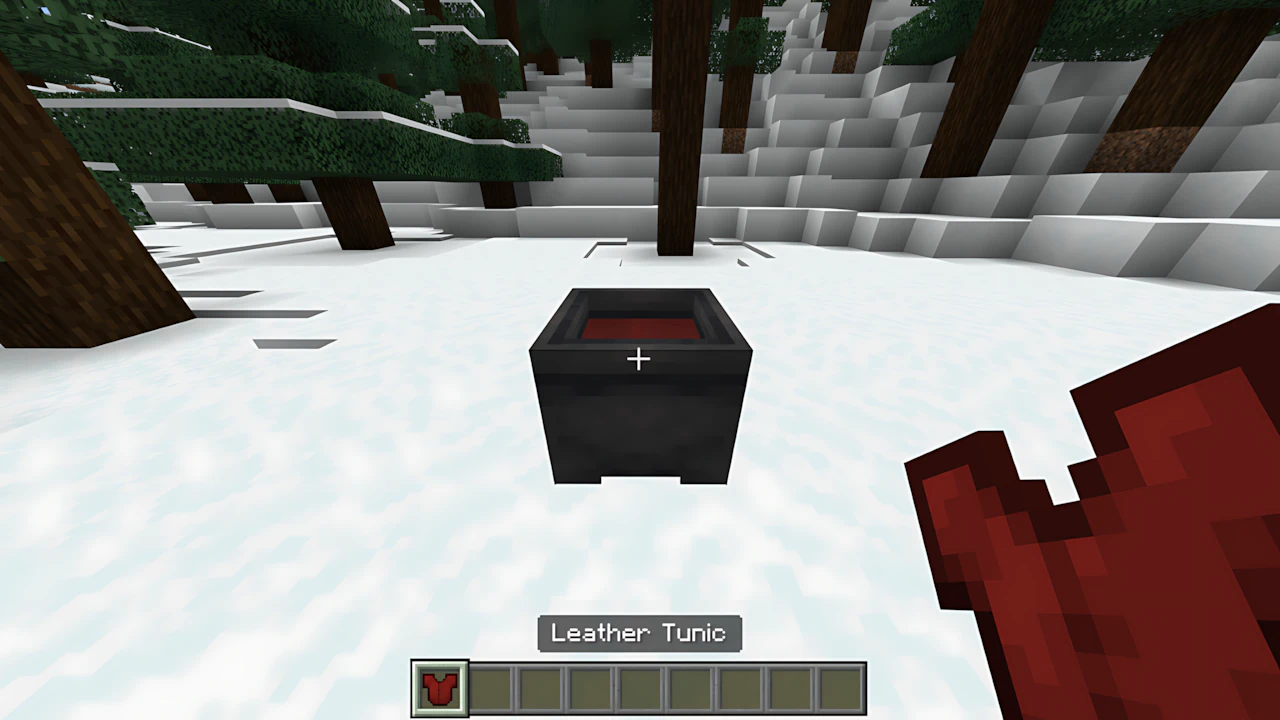
Dye the Water: With the desired dye in your hand, use it on the Cauldron. The water will change to the color of the dye. The Cauldron now holds enough dye to color several pieces
Dye the Armor: Hold the piece of Leather Armor you want to dye and use it on the Cauldron. The armor piece will be dyed, and the dye level in the Cauldron will decrease. Repeat the process for the remaining pieces.
Economy Tip
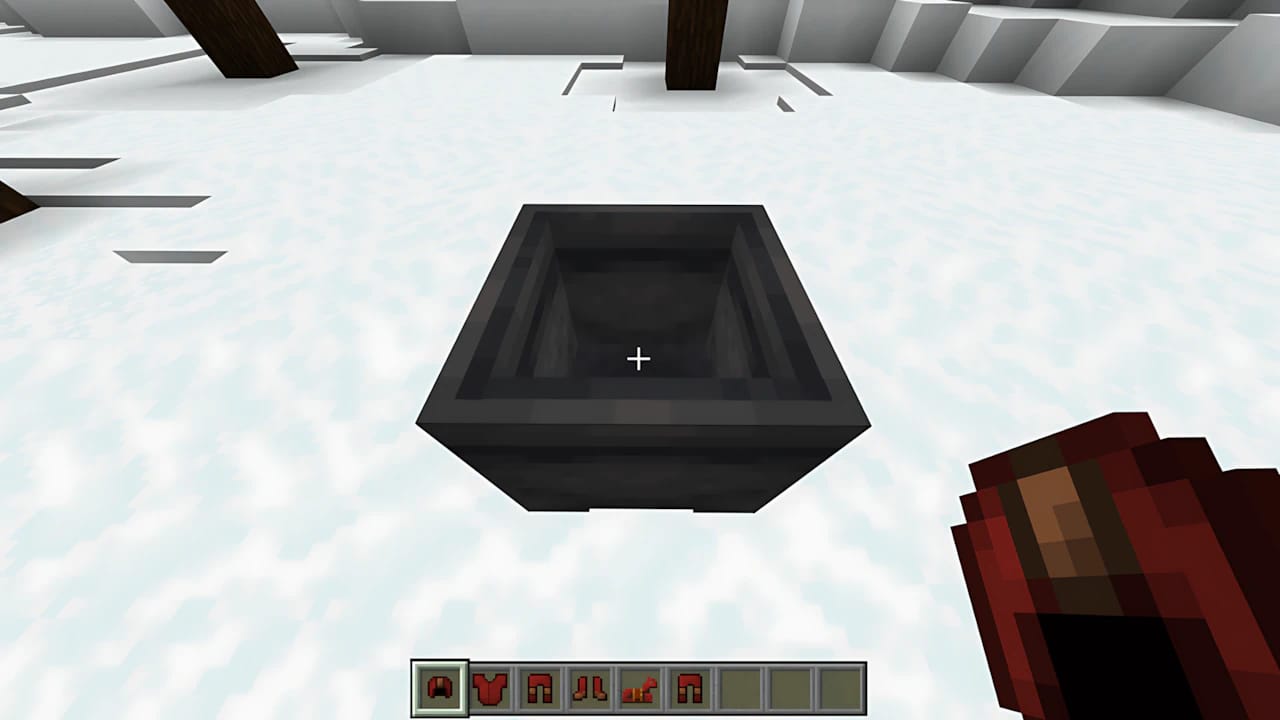
In Bedrock, a single dye can color up to six armor pieces per Cauldron, making it a more efficient method for dyeing full sets.
Removing the Dye
If you dislike the color or want to change it, you can remove the dye from any piece of Leather Armor.
Single Method for Both Editions (Java and Bedrock)
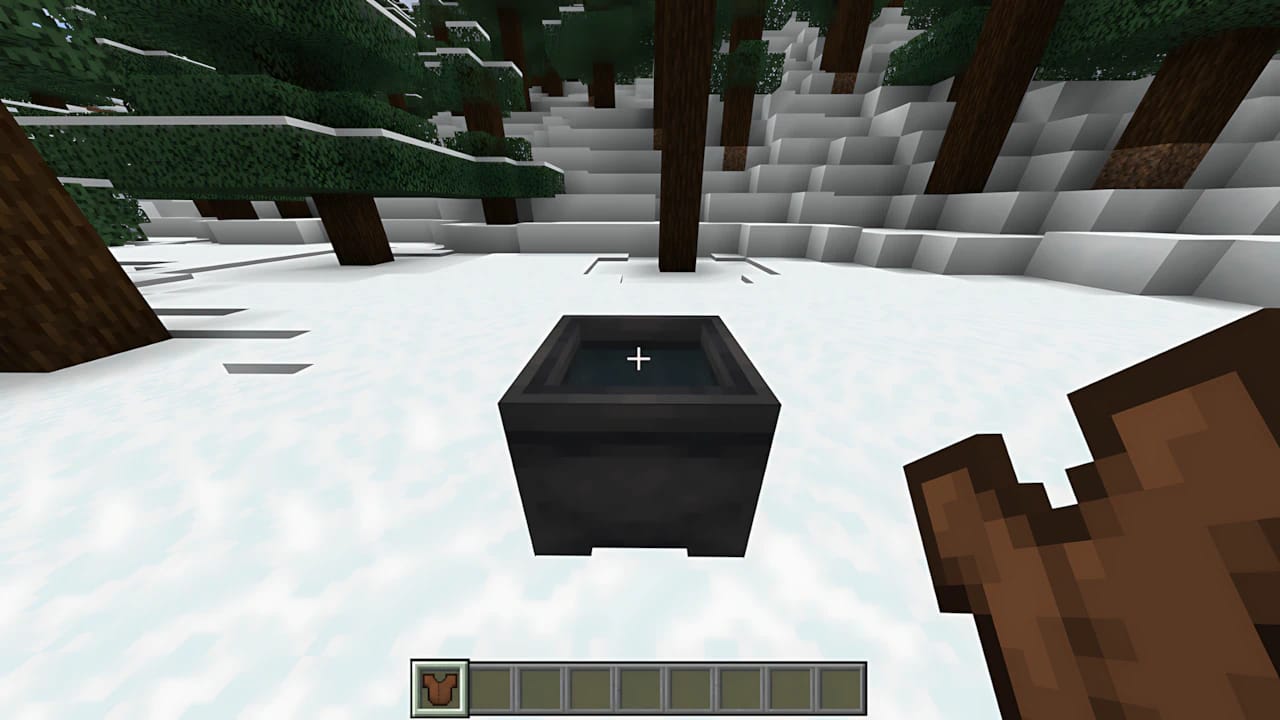
Fill a Cauldron with Water: Place a Cauldron and fill it only with Water (no dye).
Clean the Armor: Hold the Dyed Leather Armor piece and use it on the Cauldron. The color will be removed, and the piece will revert to its original leather color.
The ability to personalize Leather Armor with dyes adds a layer of roleplaying and style to Minecraft, allowing you to stand out in your world or server.